
 STINGER SINET
They sign on their phone. You keep the PDF. No per-document fee, no per-seat fee, included with every tier.
SINET is the e-signature service you would otherwise pay per document for, except the signed PDF, its certificate, and the before-and-after live on the job record. The signed PDF, its certificate, and the before and after fingerprints all land on your own disk. No account for the signer to create. No per-signature fee, and not charged per seat the way DocuSign is. Included with every Command Center tier.
See it in action
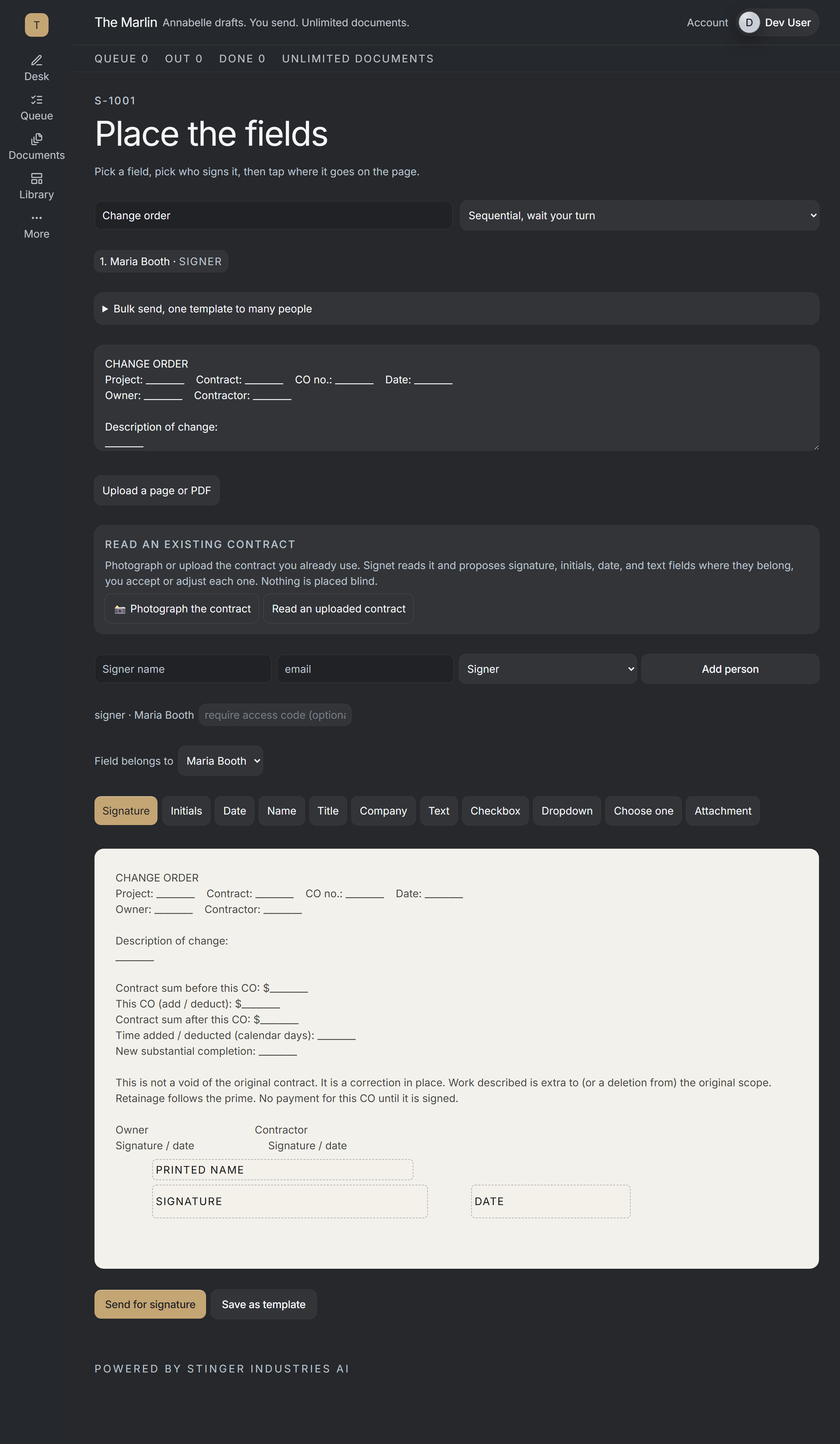
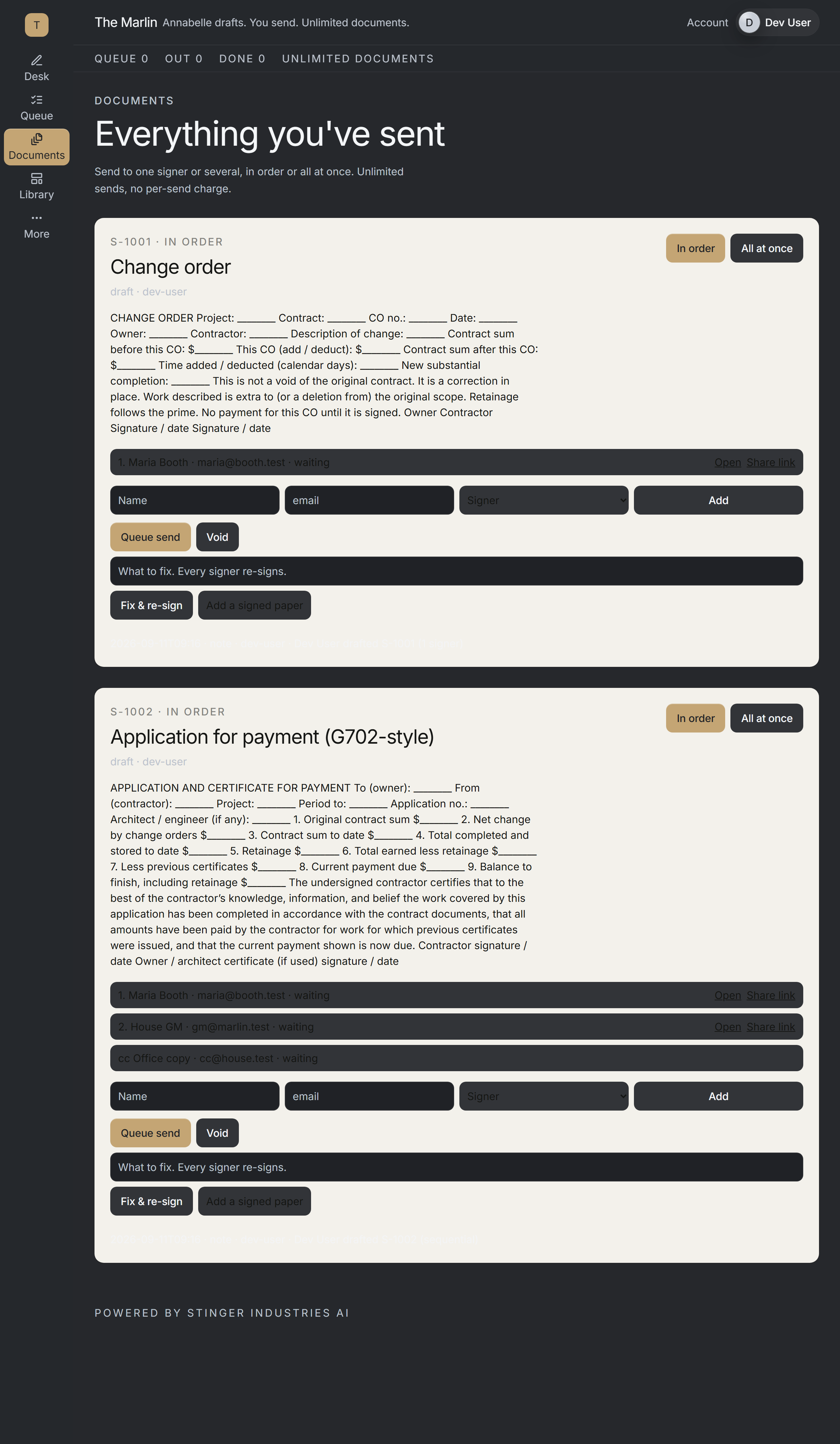
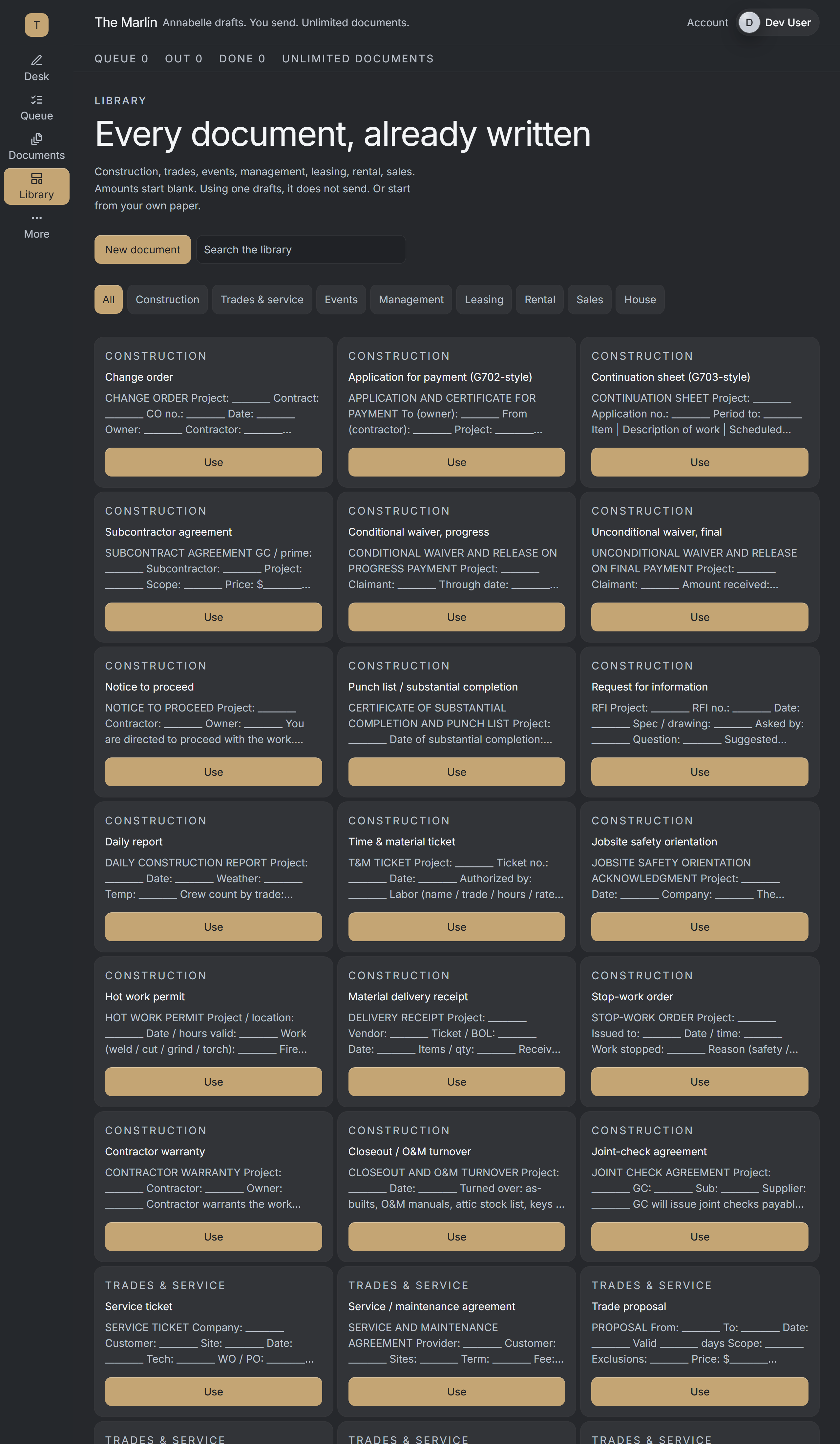

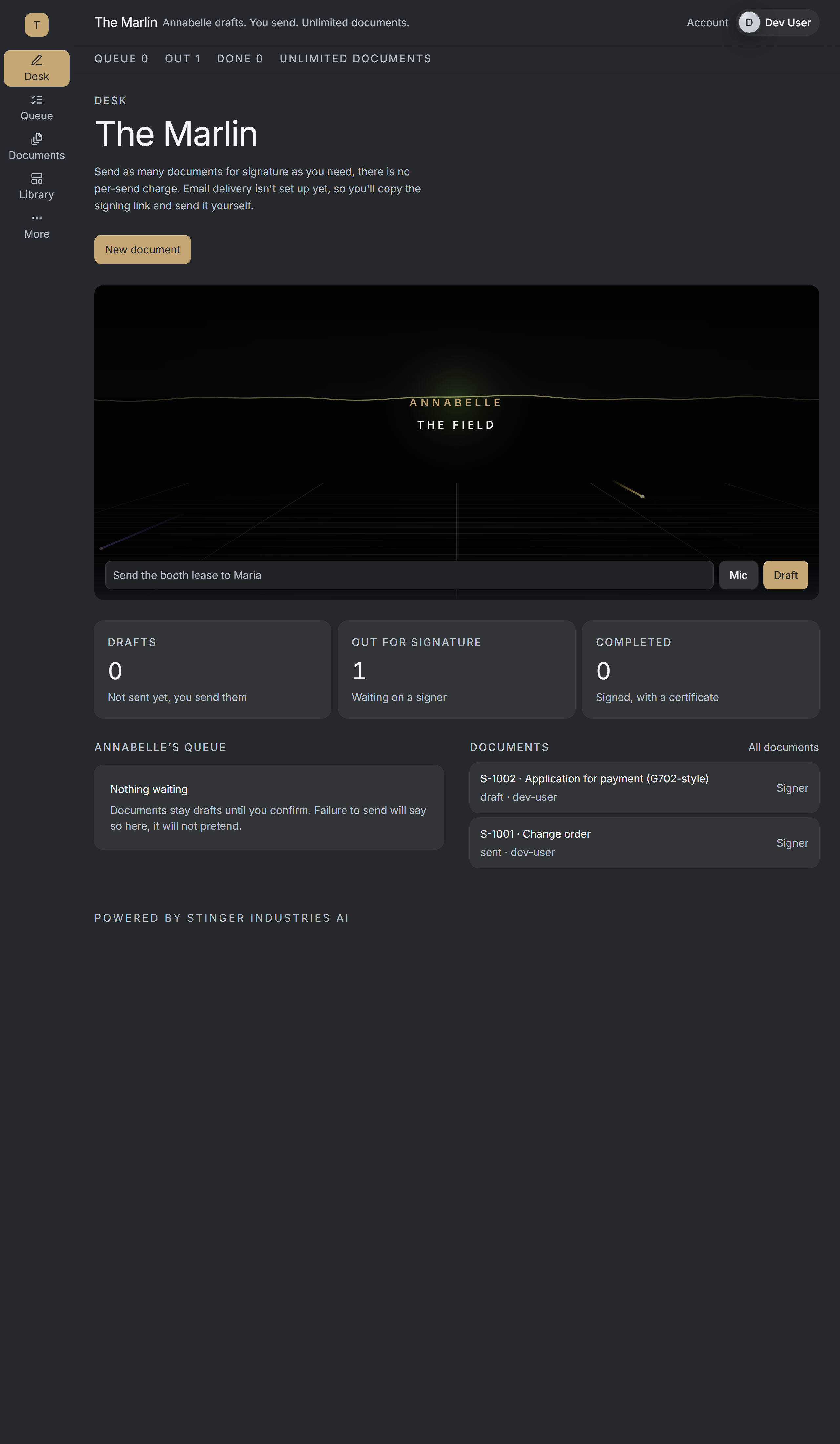
A closer look
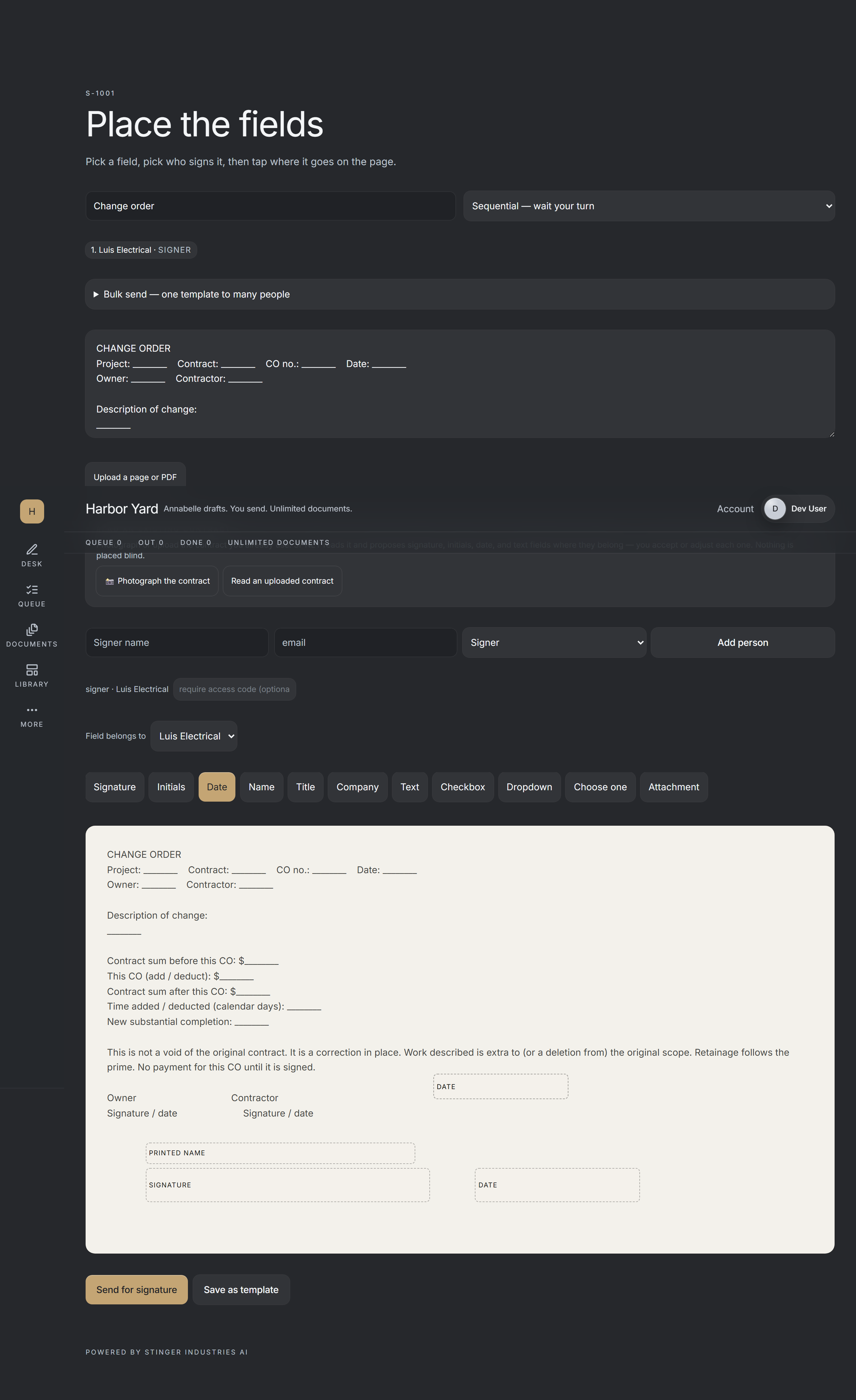
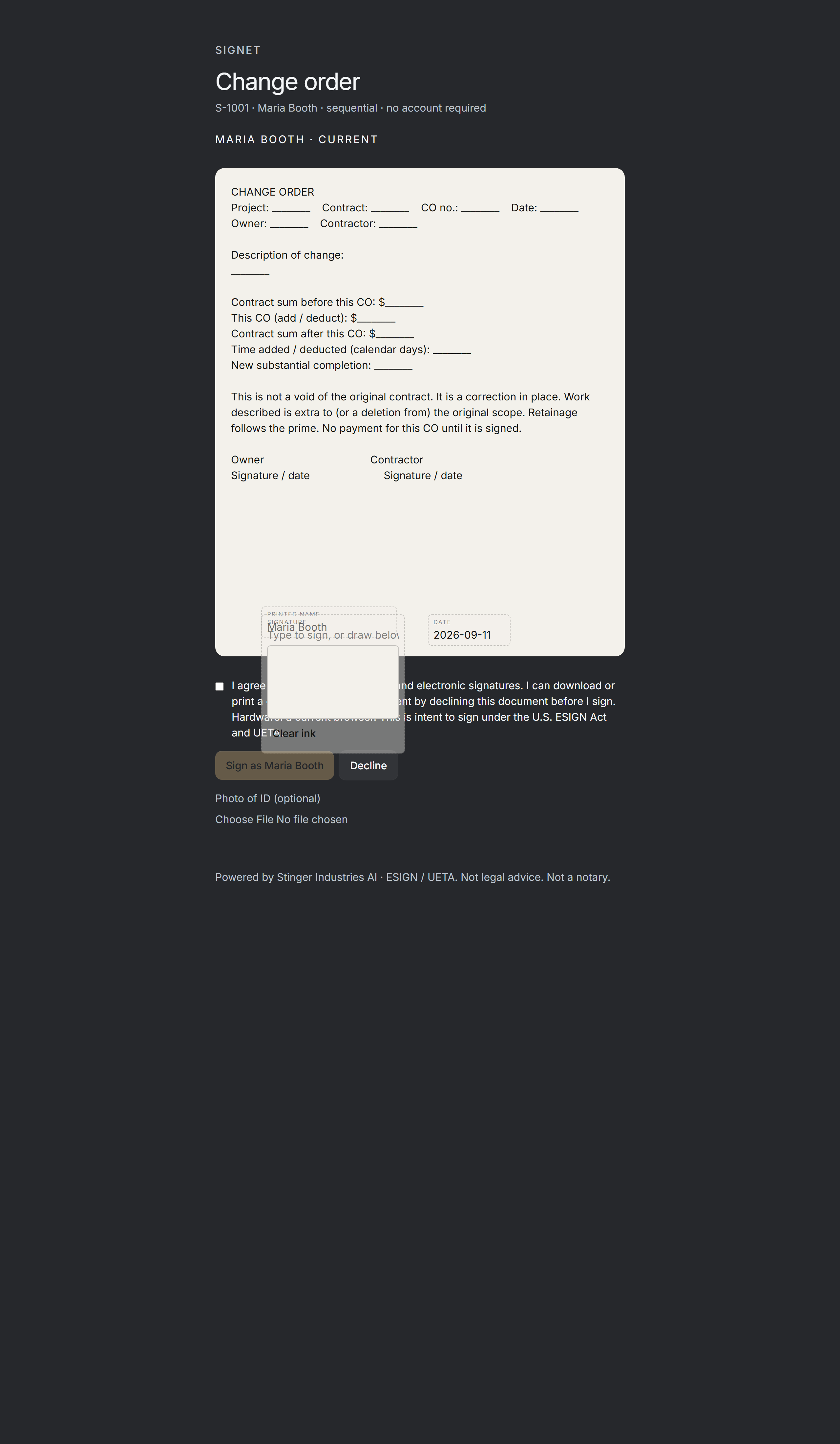
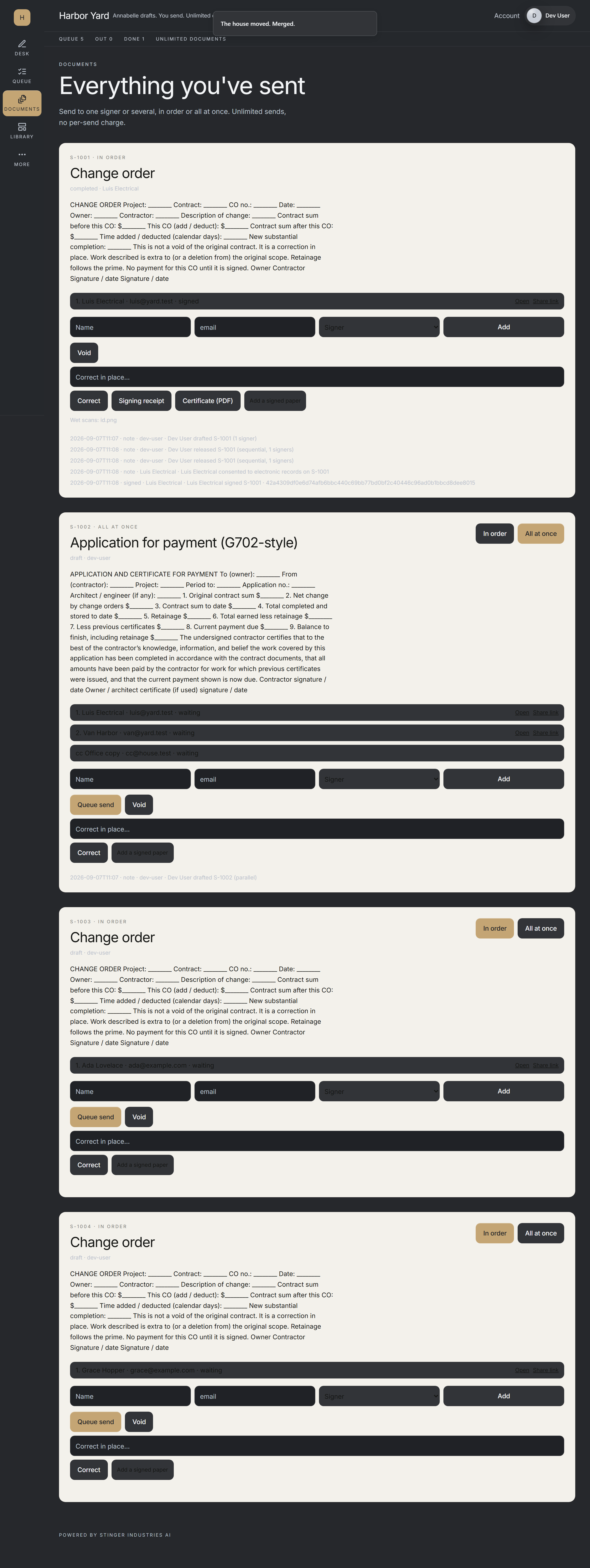
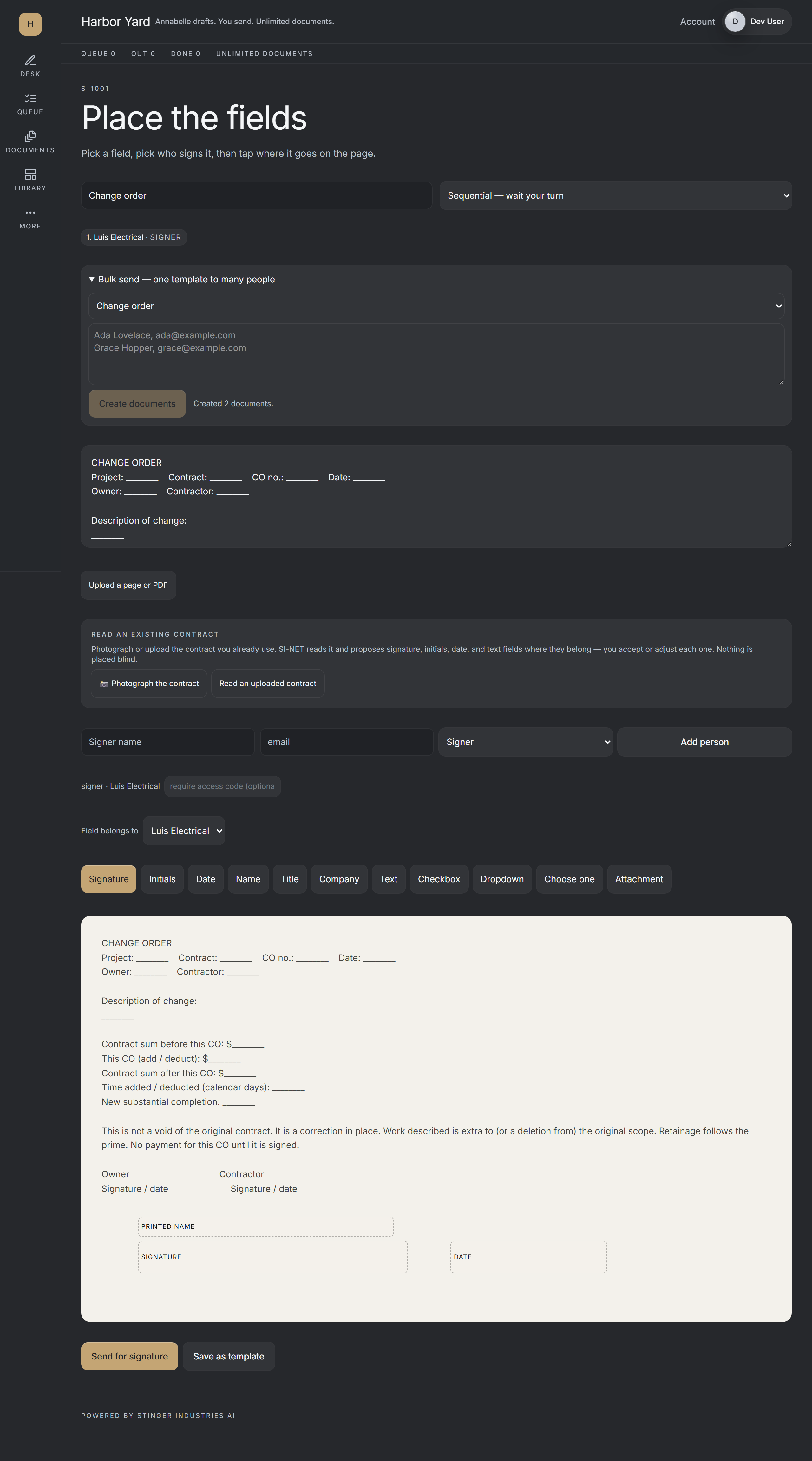
New in this release
Three features that shipped, each with the screen that proves it.
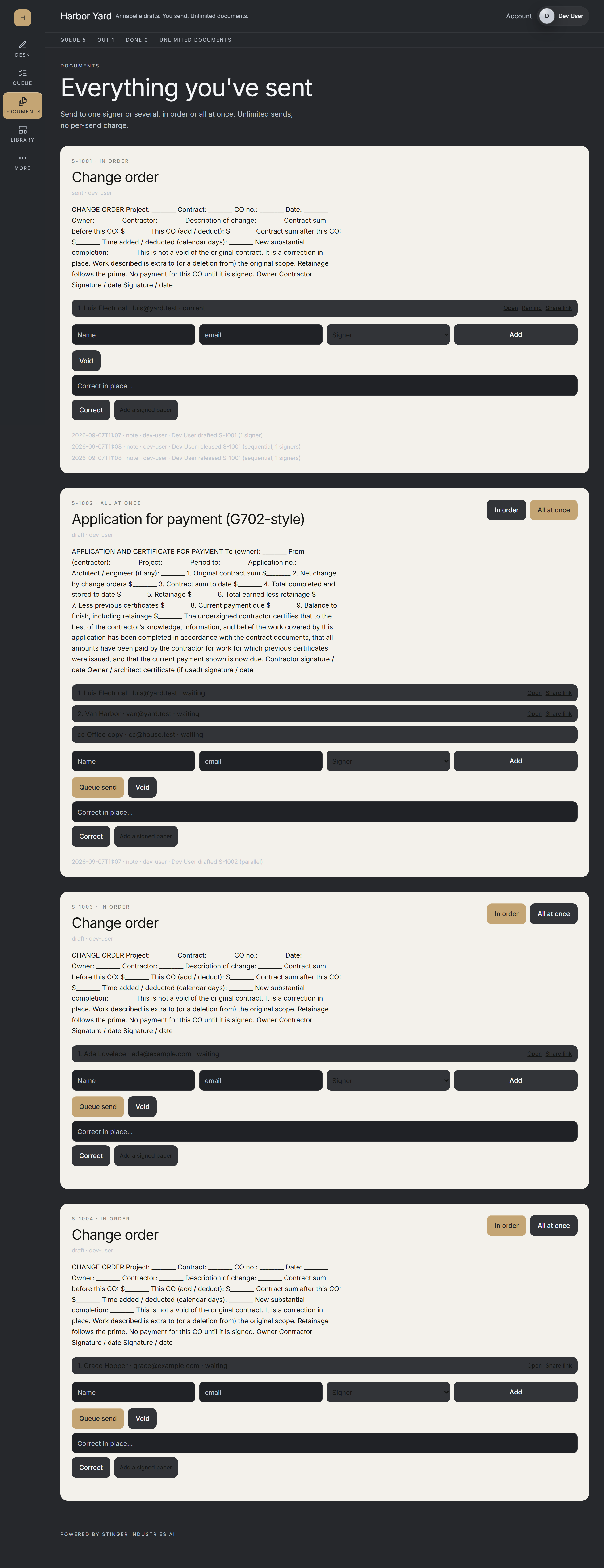
Evidence certificate
Every completed signing set carries a tamper-evident receipt of who signed what and when, with the record's SHA-256 hash printed on the certificate.
Bulk send
Send the same document to many signers at once, and each person gets their own signing set.
Reminders
Send an automatic follow-up nudge to any signer who has not signed yet.
How it actually works
Three steps, and the middle one happens on their phone.
You send the document to sign
Point it at a PDF, name the signer, give it a subject. The document to sign is registered before anything is emailed, and it gets a link with a long random token, not a guessable document number.
They open a plain black-on-white page
The document renders inline. They tick one consent box, then type their name or draw it. No app, no password, no account to create. The Sign button stays disabled until both the consent box and a signature are actually there.
The consent text names the statutes
The federal ESIGN Act, 15 U.S.C. Chapter 96, and Florida's Uniform Electronic Transaction Act, Fla. Stat. § 668.50. It states plainly that the typed name is the binding signature and that a certificate recording the time, the IP address and the device will be appended.
Location is offered, never required
The page asks for a rough coordinate and waits about four seconds. Declining it does not block signing. The certificate simply records that it was declined or unavailable.
The proof
What proof does an e-signature audit trail actually need to hold up?
Fingerprinted before and after
A tamper-evident fingerprint1 is taken of the document as it was sent and of the document as it was signed, both printed on the certificate, each labeled for exactly what it covers. The final delivered file's fingerprint (which includes the certificate page itself) is published separately, out of band, since a certificate cannot fingerprint the file it becomes part of.
A timeline, not a timestamp
Document created, invite dispatched, consent accepted, signature stamped, each with its own UTC time, and the signer's IP and device on the last two. The certificate is appended as the final page of the signed PDF, and the same events are readable from the document's audit endpoint.
The bytes land before the email does
The signed PDF is written to disk before any notification is attempted, so a broken mail server can never cost you the signature. If the copy to the signer fails to send, that failure is logged loudly rather than swallowed.
Signing twice does nothing twice
Reopening a signed link returns the existing result instead of stamping a second signature. If two completions race, the loser's file is deleted rather than left behind as a document that looks signed but was never recorded.
Legal holds and evidence integrity
A signed document can be placed under a litigation hold; SINET re-checks the bytes against the fingerprint stored at signing time to prove nothing changed, with the reasoning framed against the federal rule for self-authenticating electronic evidence.2
1. The tamper-evident fingerprint is a SHA-256 digest, and the signing link carries a 256-bit random token rather than a guessable document number. 2. The self-authenticating-evidence standard is Federal Rule of Evidence 902(14).
Refusals
The things it declines to do are the point.
It will not fetch a document from the internet
Send-for-signature takes a local file only. Hand it an http or https address and it refuses, so a hostile string can't make your server pull a document from somewhere else and put your name on it.
No consent, no signature
An unchecked consent box is a rejected request on the server, not just a greyed-out button in the browser. A typed name under two characters is rejected the same way.
The stamp has to fit the page
A signature box that would fall outside the target page is refused rather than clipped. Encrypted PDFs are refused rather than half-processed.
Sending is owner-only
Creating a document to sign requires an owner session and is rate-limited. Signing is public by necessity (that's the whole point of the link) and the two paths are kept deliberately separate.
What's real vs. what's roadmap
Ships switched off, and the screens are honest about which ones have data behind them.
Off by default, on purpose
The whole service sits behind a flag that ships closed, so a stray merge cannot email one of your clients. With the flag off, the signing page is simply not there: leaving it off the login gate is not the same thing as turning it on.
The Studio is wired; the surrounding screens aren't yet
The E-signature Studio reads real documents to sign and real audit trails from the server. The document list, document detail, templates and compliance-export screens are still layout only, with stand-in numbers. They are not reading your data, and we're not going to say they are.
The record is the disk, not the index
The signed PDF and its database row are the record. Writing a copy into the CRM is a convenience index: if that write fails, it's logged and the signature still stands.
Document preview is best-effort
The signing page renders up to twenty pages so the signer can see what they're signing. On a server without the rendering library, it says so and tells them to review the copy that was emailed. It does not quietly show a blank frame.
Already on DocuSign? SINET works alongside it
SINET also integrates with DocuSign, so a shop already using it doesn't have to rip it out to bring SINET in.
How it compares
SINET against DocuSign, Dropbox Sign, and Adobe Acrobat Sign.
All four skip the signer account. That part's table stakes now. Where SINET differs: the signed record and its certificate land on your own disk instead of living only in a vendor's cloud, and there's no per-document fee.
| Feature | SINET | DocuSign | Dropbox Sign | Adobe Acrobat Sign |
|---|---|---|---|---|
| Certificate carries a SHA-256 hash of the document, taken both before AND after signing | Yes: when enabled | Partial/unclear from public page | Partial/unclear from public page | Partial/unclear from public page |
| Full timeline: UTC timestamp plus signer IP and device at every step | Yes: when enabled | Partial: IP and location confirmed; device/per-step detail unclear | Partial: time-stamped, non-editable audit trail confirmed; IP and device at every step not stated on current pages | Unclear: no cited source |
| Signer needs no account to sign: a plain secure link is enough | Yes: when enabled | Yes | Yes | Yes |
| Consent screen names the specific federal and state e-signature statutes | Yes | Unclear from public page | Unclear from public page | Unclear from public page |
| No per-signature or per-document fee | Yes | no: capped tiers, overage billed pay-as-you-go | yes: unlimited on Essentials and up | yes, per Adobe’s own claim |
| Monthly cost | Included with every Command Center tier | $30/user/mo (Standard, annual billed monthly) to $45/user/mo (Business Pro); a $11/mo Personal tier caps at 5 envelopes a month | $15 to $25/mo | $14.99/mo annual-billed-monthly (bundled with PDF editing) |
| Signed record kept on your own infrastructure, not locked in a vendor’s cloud | On-disk copy when enabled | no: cloud only | Unclear from public page | no: cloud only |
Competitor figures pulled from each vendor's own pricing/feature pages, 2026-09-03; DocuSign re-checked live 2026-09-21. SINET features drawn from what's live today per this page and the internal capability catalog.
Where it fits
Write it. Sign it. Keep it.
SINET is the second half of quote-to-cash: Galley drafts the proposal, SINET closes it with a signature that carries its own evidence. Same Stinger account, no per-document charge, and the certificate lives on your disk rather than in someone else's.
Related: pair SINET with Galley for the proposal that gets signed, or see how it fits inside the full Stinger platform.
Works with the internet off
Your documents keep working if the internet drops.
SINET works fully offline and makes zero outbound calls once you are signed in.
On your phone and tablet
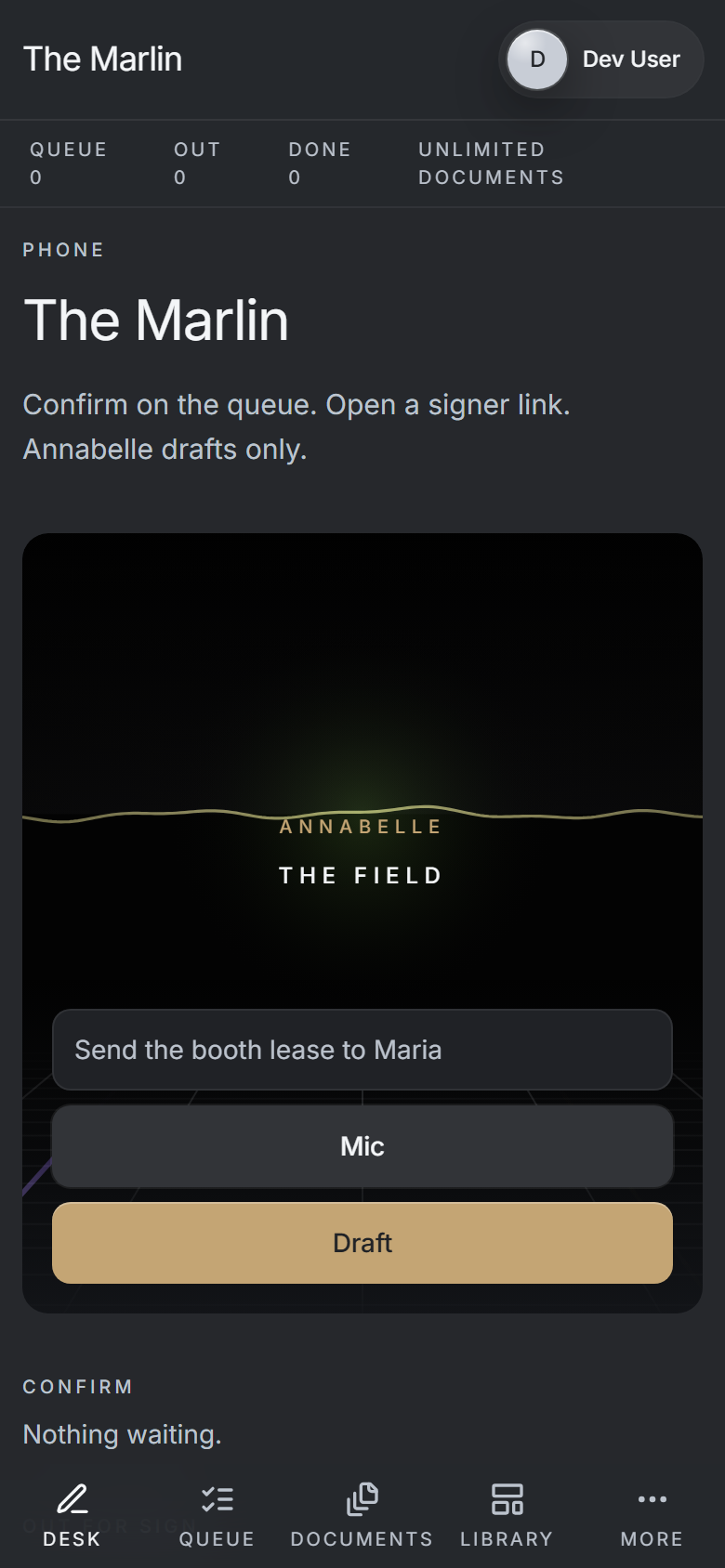
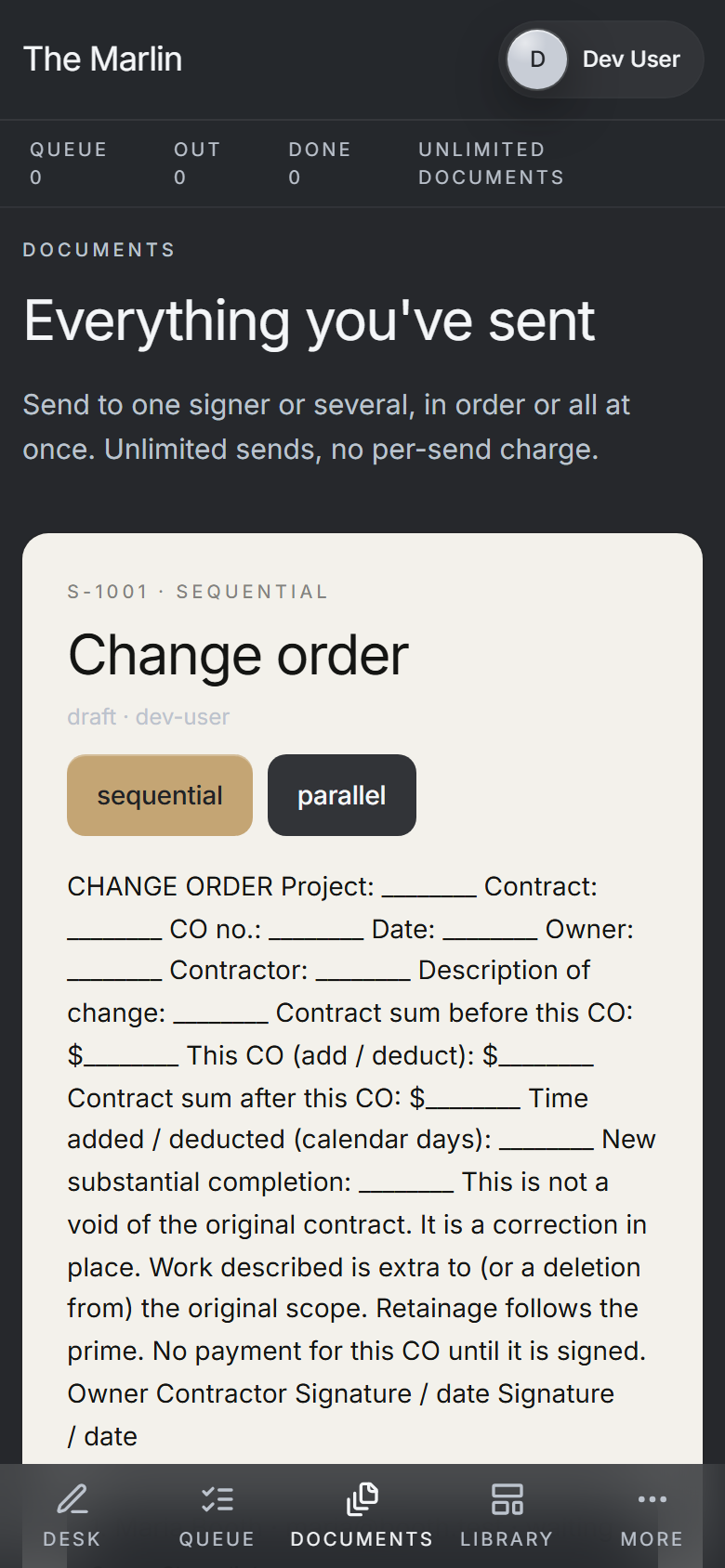
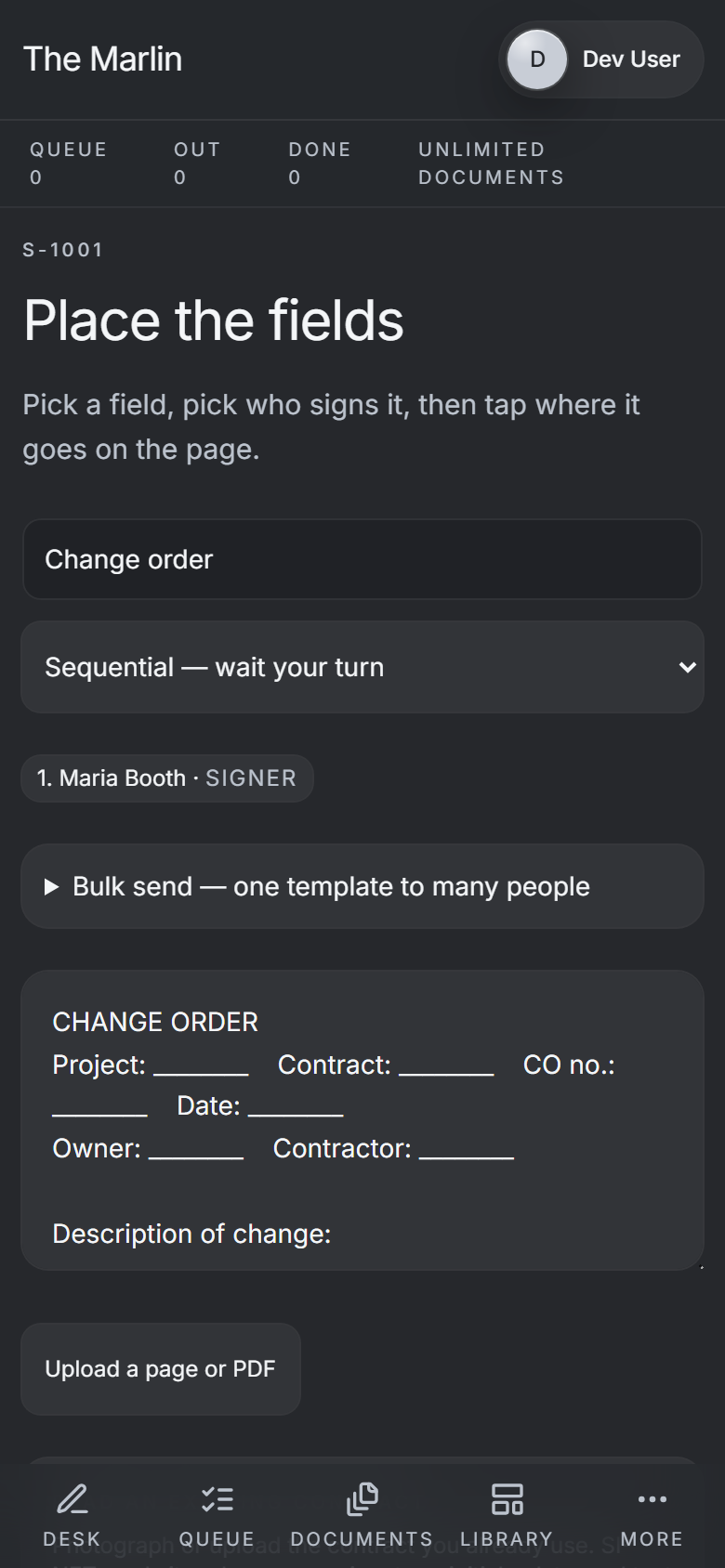
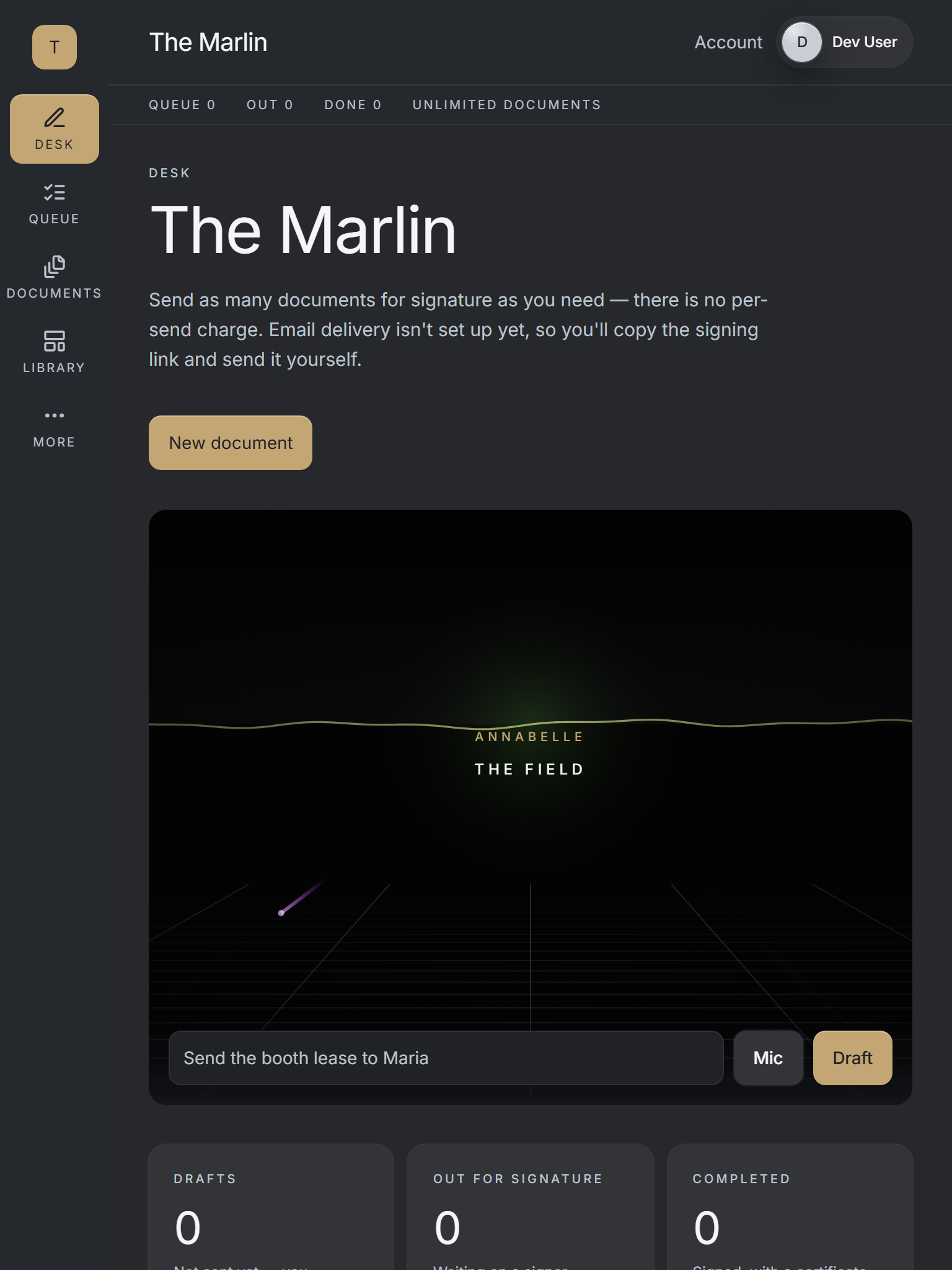
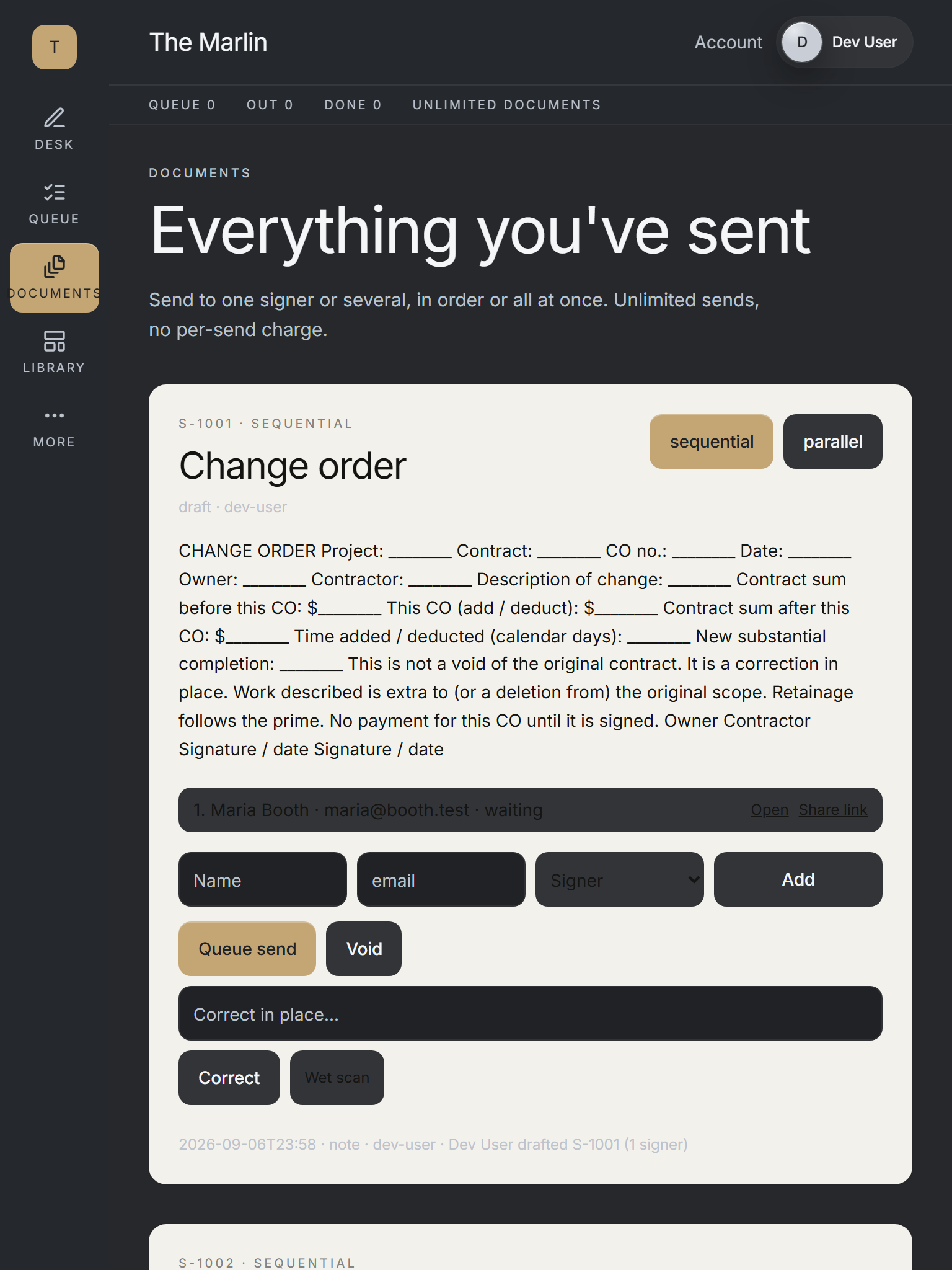
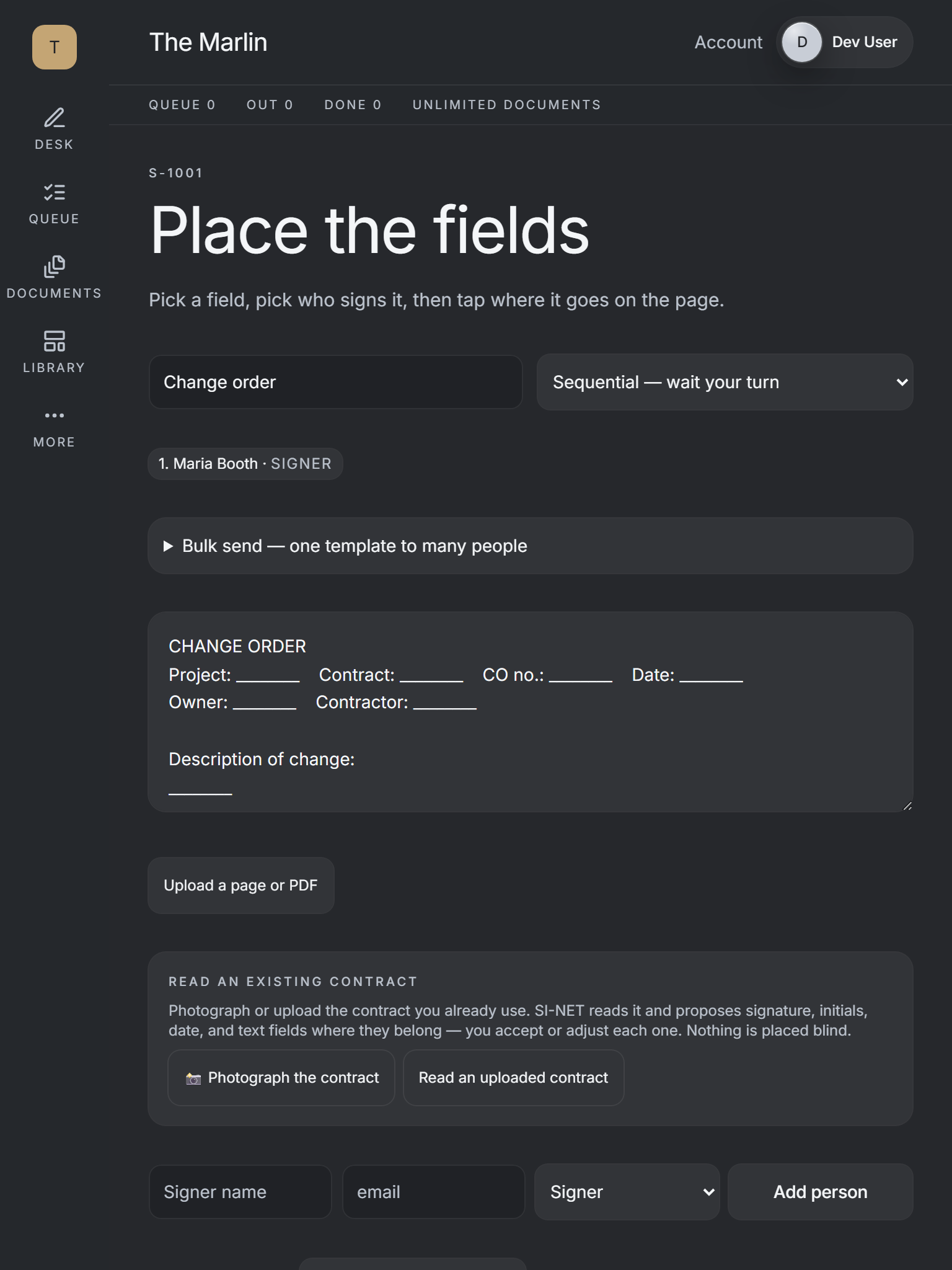
On your machine
Get it on your desk
One click from the browser
Install it as an app
Install it straight from the browser in one click. It gets its own icon on your desktop and taskbar, and opens in its own window.
- Chrome / Edge the Install icon in the address bar, or menu > Install (Apps > Install this site as an app).
- Safari (Mac) File > Add to Dock.
- Safari (iOS) Share > Add to Home Screen.
Android
Google Play
On Google Play, in review.
iOS
TestFlight
Via TestFlight, pending.
No app to install to see it, ask Vincent for the demo.
In House
How SINET runs inside House.
In House, SINET carries banquet contracts, deposit agreements and vendor paperwork, one signed record per event, no separate login. House opens from Command Center.
Smarter packets
Past a single flat document.
Conditional fields and routing
A packet can show or hide fields, and send the next step to a different signer, based on what an earlier signer answered.
More signer roles
Besides remote signers, you can add someone who signs in person, an approver, or a person who only gets a copy.
Required evidence
A packet can require ID evidence or an attachment from the signer, and it will not complete without it.
Void, copy, correct, comment
You can void a packet you are allowed to, copy it into a fresh draft, fix a draft, and leave comments on it.
Sending and access control
Who can sign, when, and how it starts.
Expiry and signing order
A signing request expires after a default window, and a signer cannot sign out of turn or after it expires.
Access codes
A sender can put an access code on a signer and unlock a signer who gets locked out.
Paper signatures on file
If someone signs on paper, you can attach the signed copy or ID evidence to the same packet.
Starting a document
Start from a blank document, a saved template, uploaded PDF pages or page images, and edit the draft text before it goes out.
Team, records and Annabelle
Who can send, what gets kept, and what Annabelle can touch.
A permitted release, every time
Annabelle can queue a document, but a permitted person releases every send, can reject a draft, and the release is recorded with who did it.
Team management
Invite teammates, set their roles, and let a teammate send on behalf of a named person.
Completion records and export
Each completed packet has a completion record with its hash, and a company can export its document records. These are application records, not a legal certification.
Contacts
Signers can be picked from your imported contacts and your Command Center contacts.
Annabelle at the signing desk
Annabelle can prepare a draft, ask for a void or a reminder and explain where a document stands; a person releases every send.