
STINGER DESK
See how Stinger Desk opens a shirt instead of a blank artboard.
Vector design software for shirt, vinyl and card shops: a new hire picks the job instead of a blank artboard, and the board comes back already sized to the machine that prints it. It is built, it runs, and it is not for sale yet. This page is a showing, not an offer.
The desk
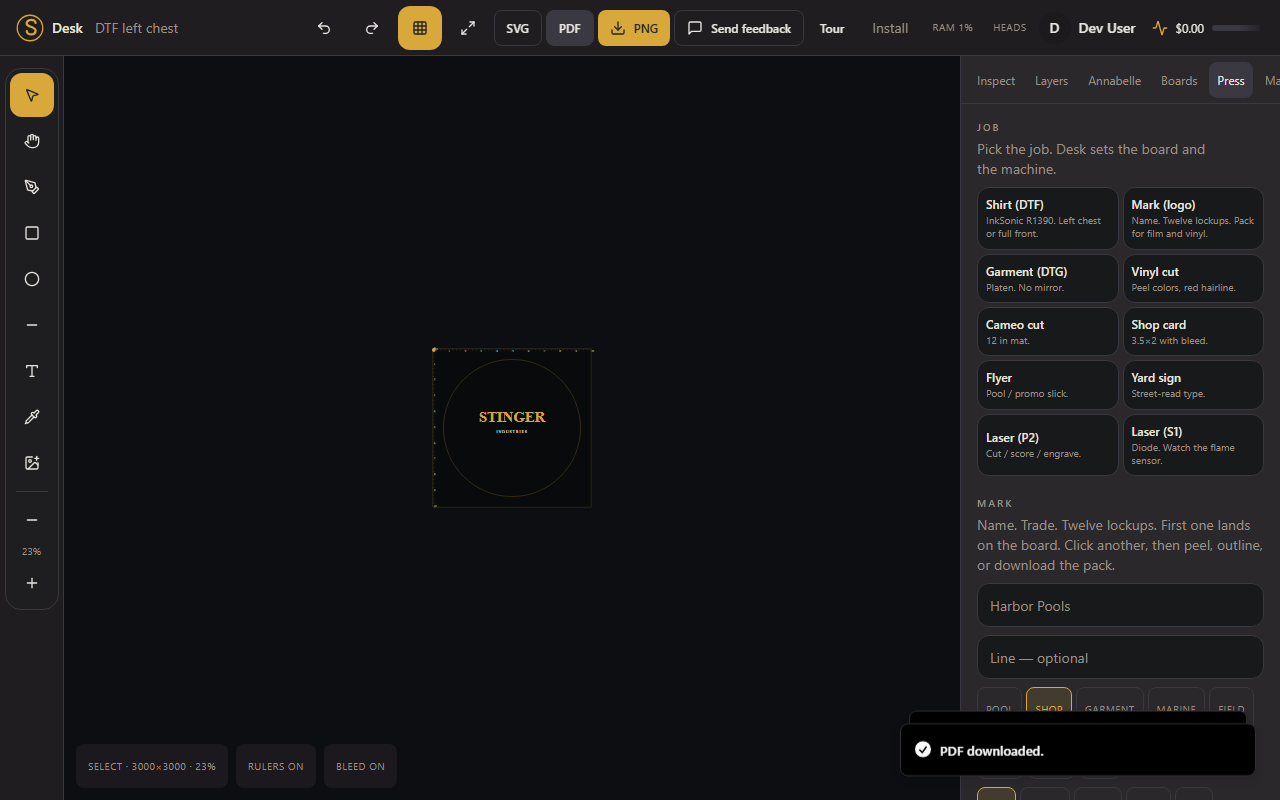
Pick the job. The board is already sized to the machine.
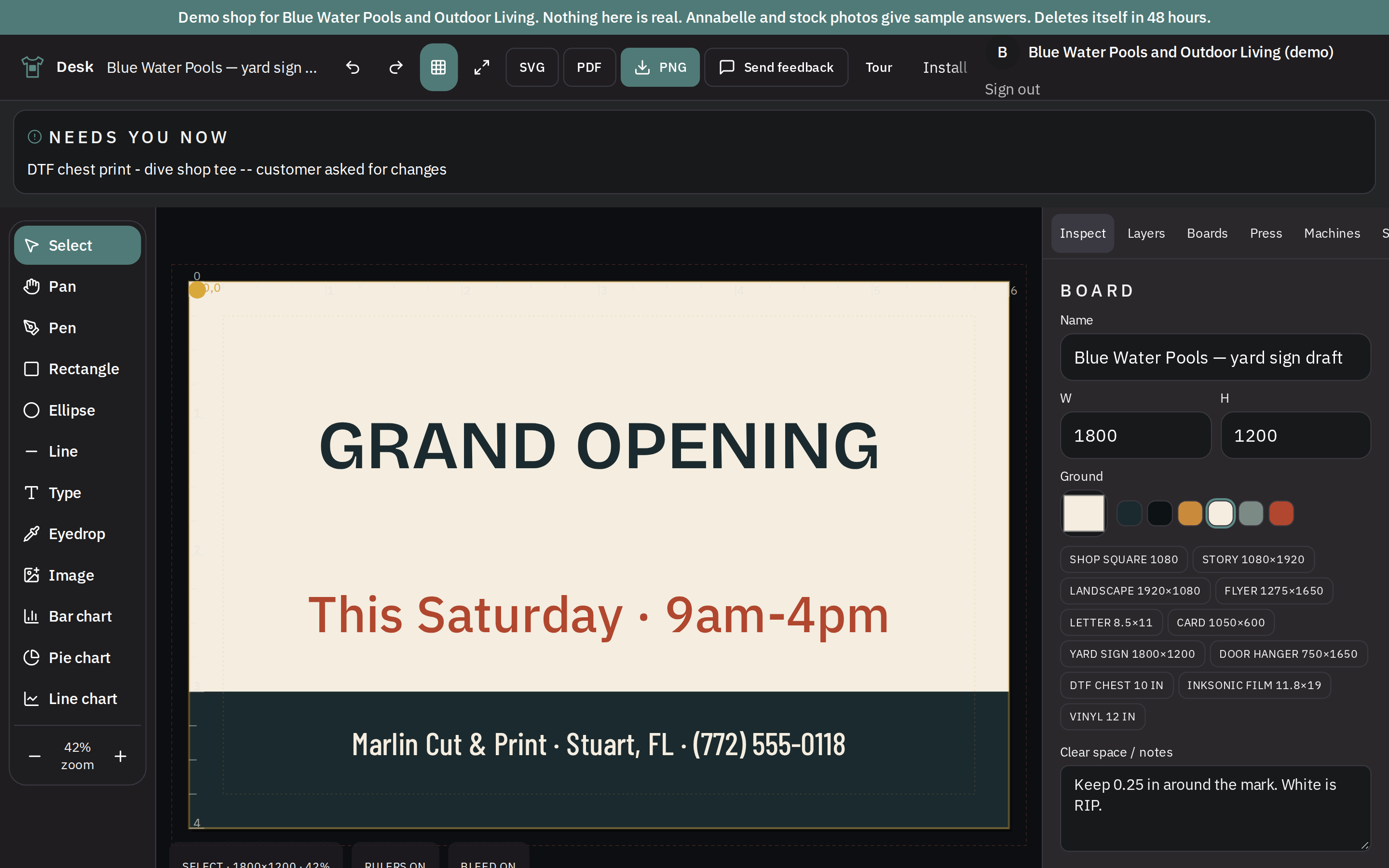
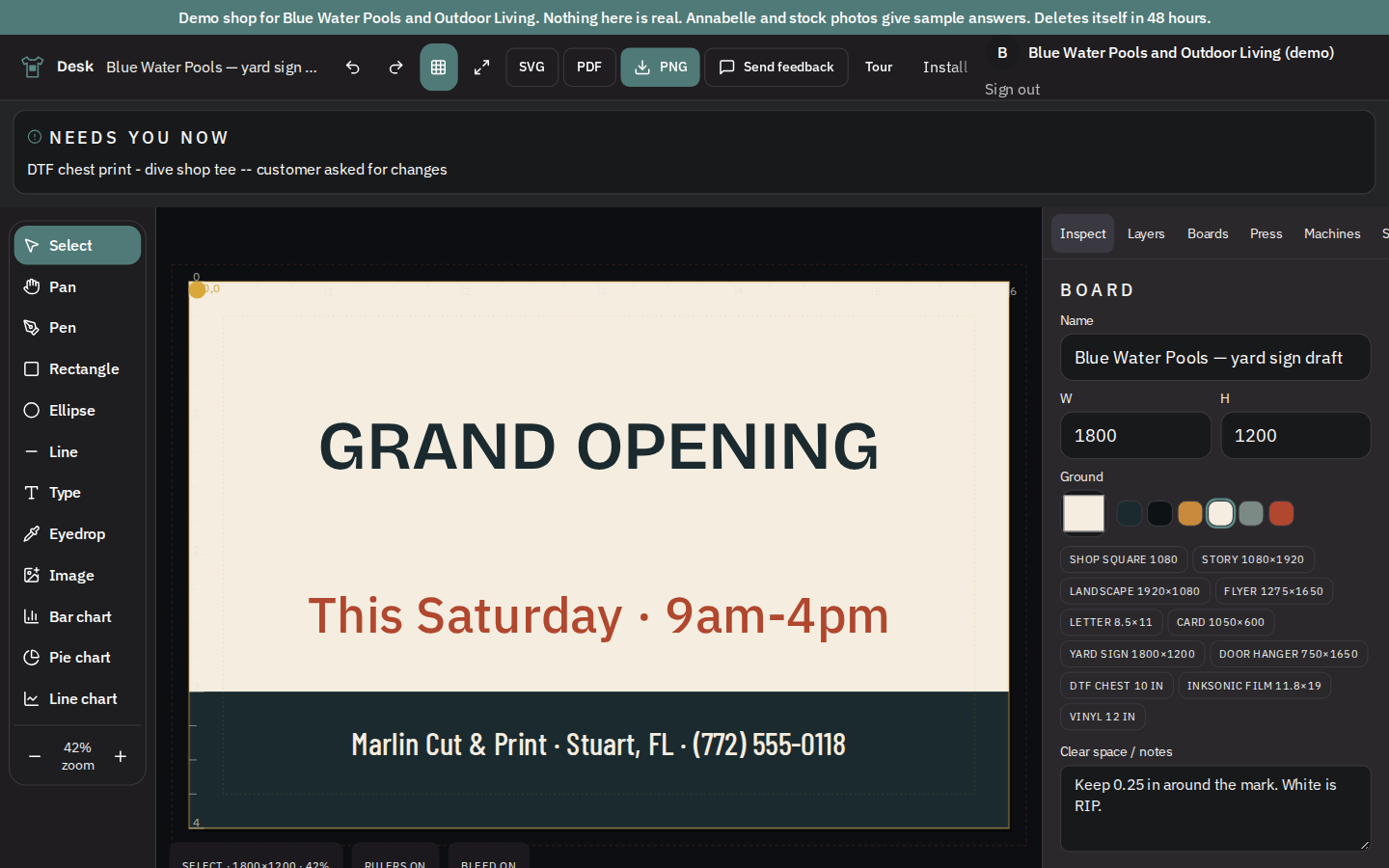
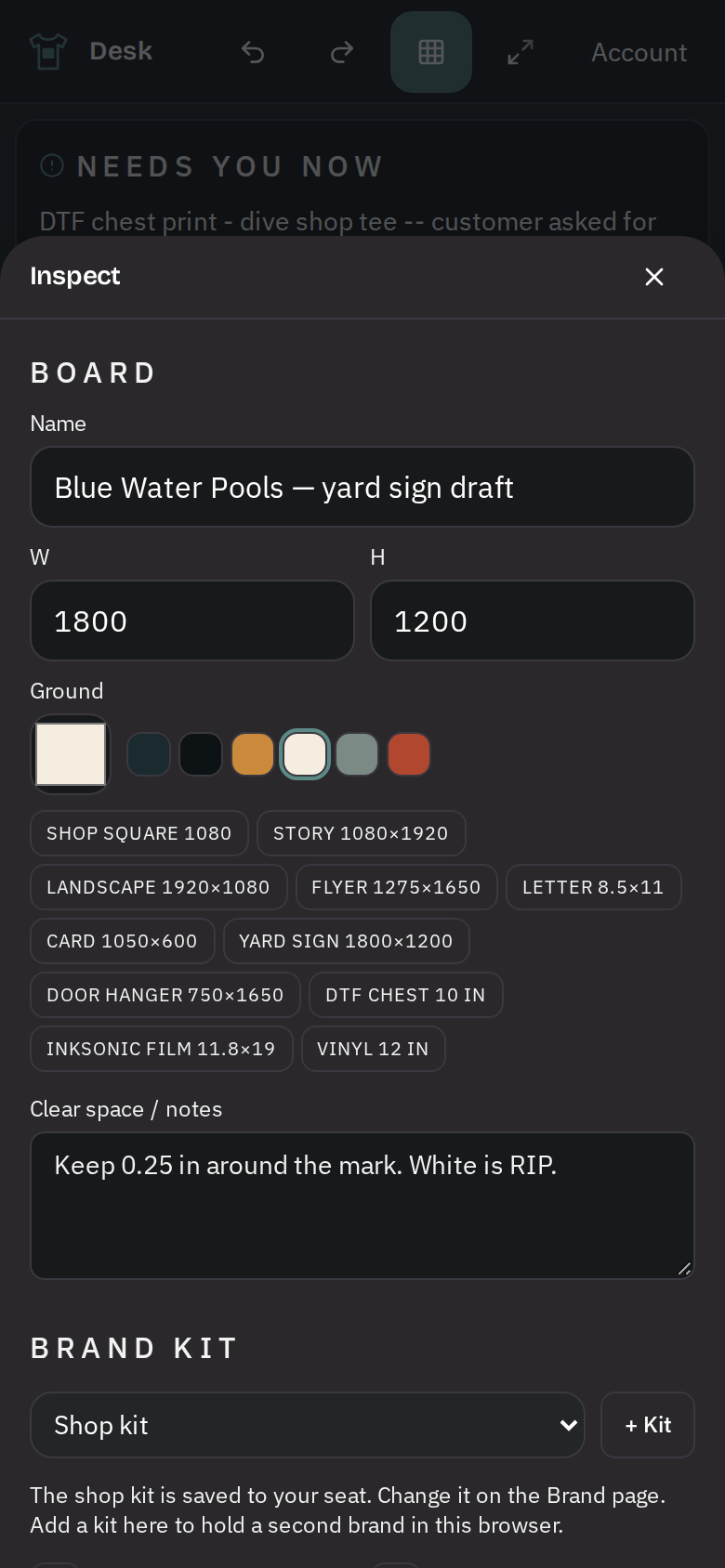
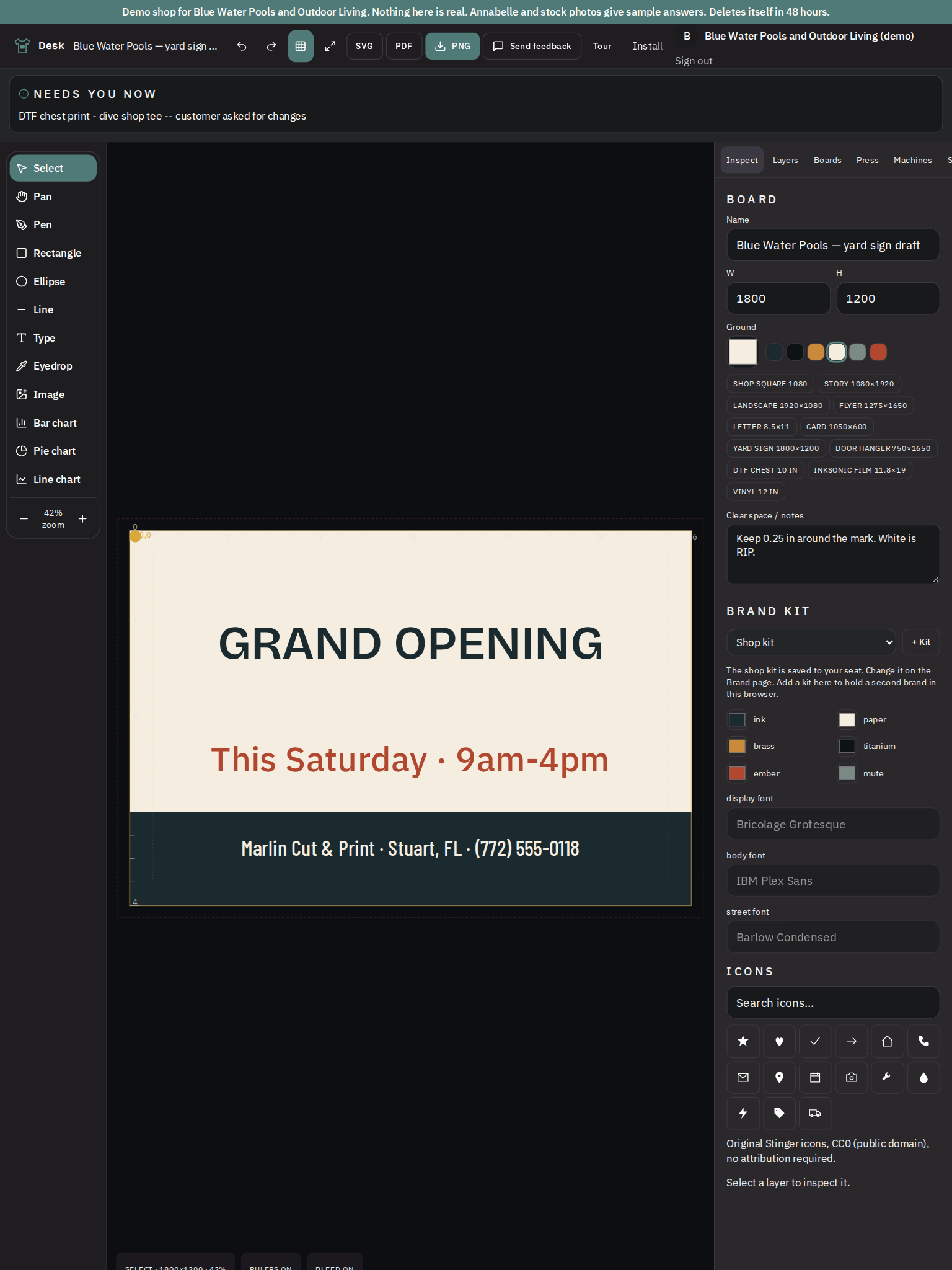
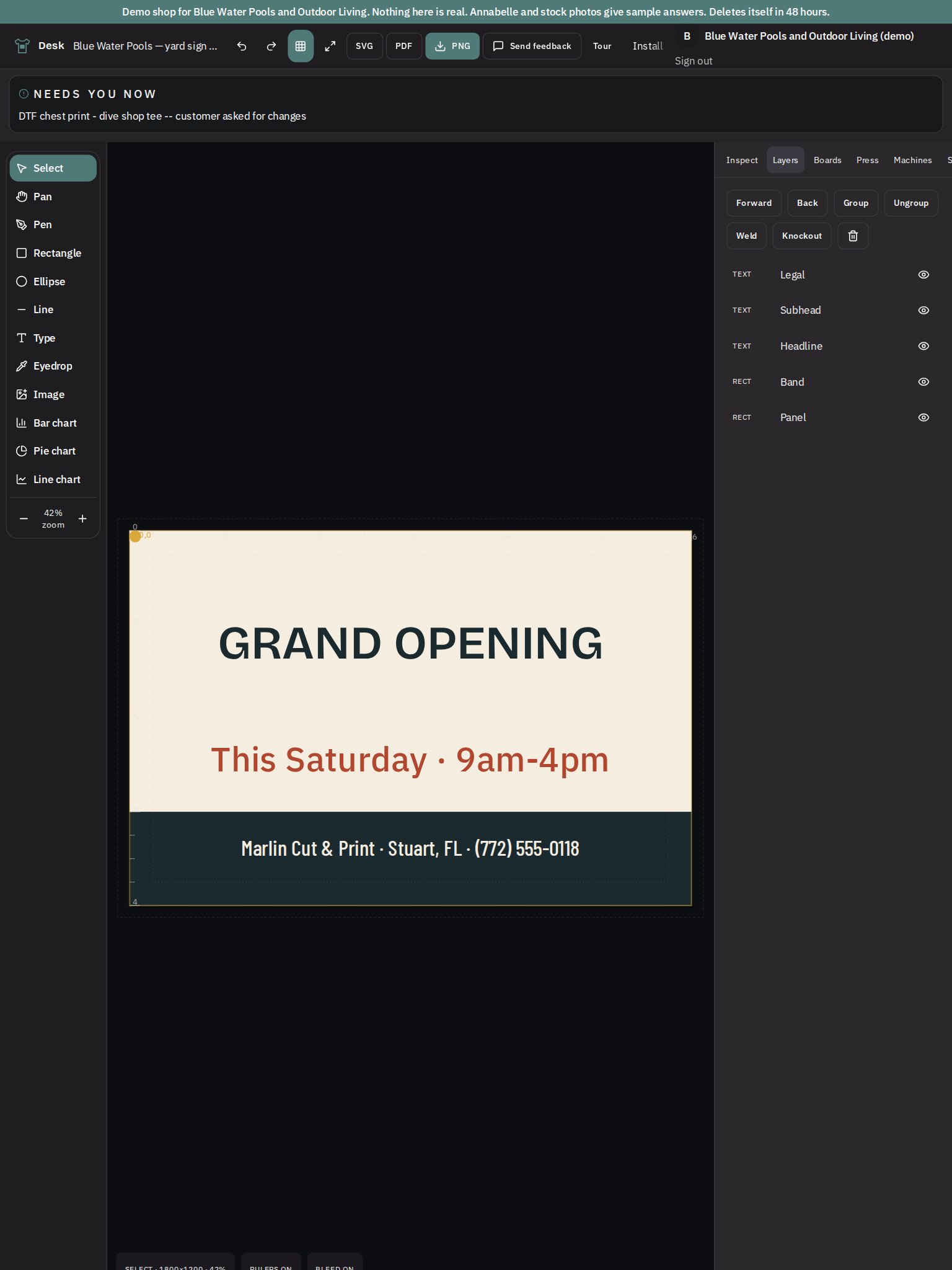
Desk has the Blue Water yard-sign draft open on an 1800-by-1200 board, retaining the sample Grand Opening artwork. Review the board dimensions and Inspect controls before adapting the design or exporting it.
See it in action
A closer look
New in this release
Two features that shipped, each with the screen that proves it.
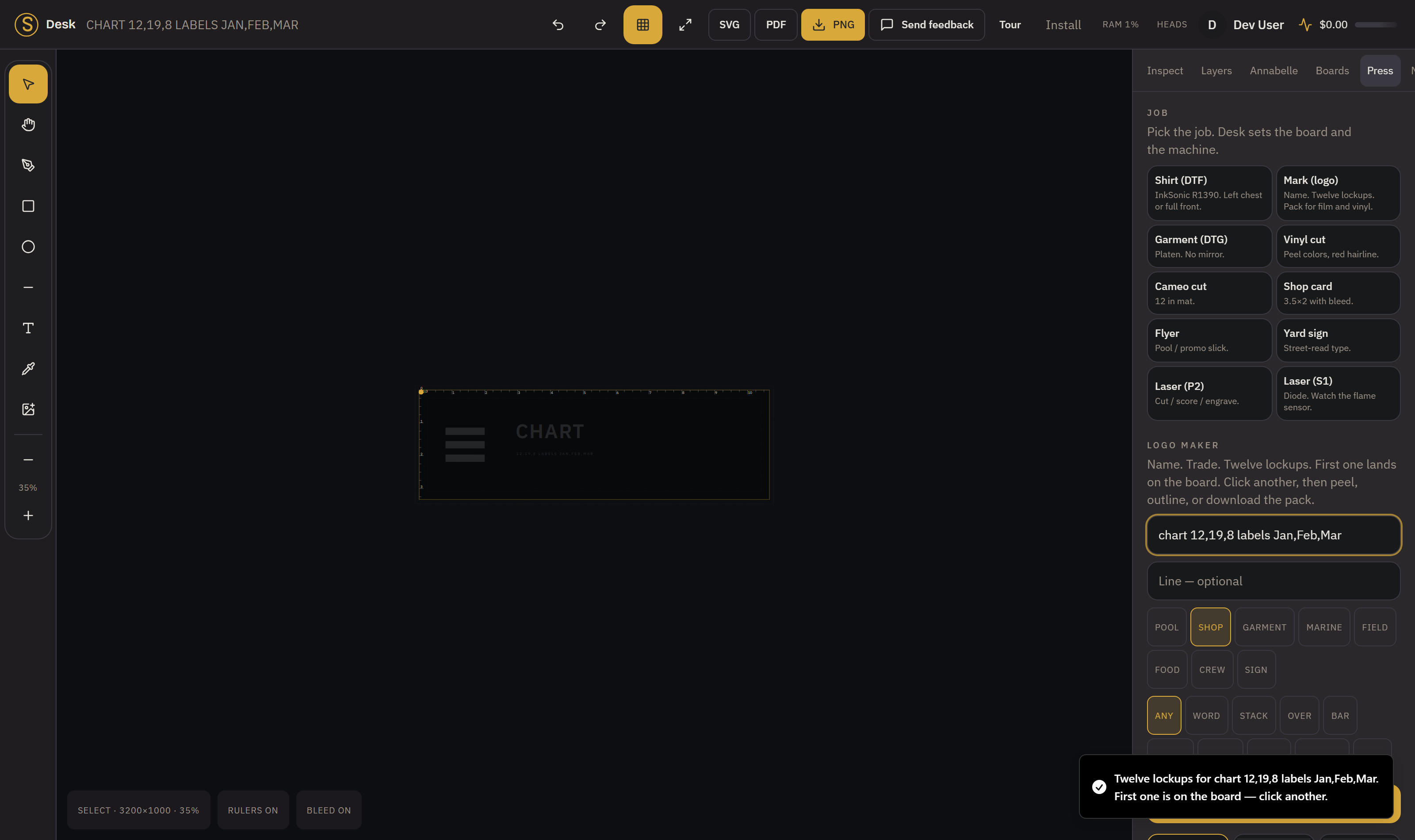
Chart node
Drop a chart built from a CSV into a design, and each row becomes a bar on the board while a blank cell draws no bar at all.
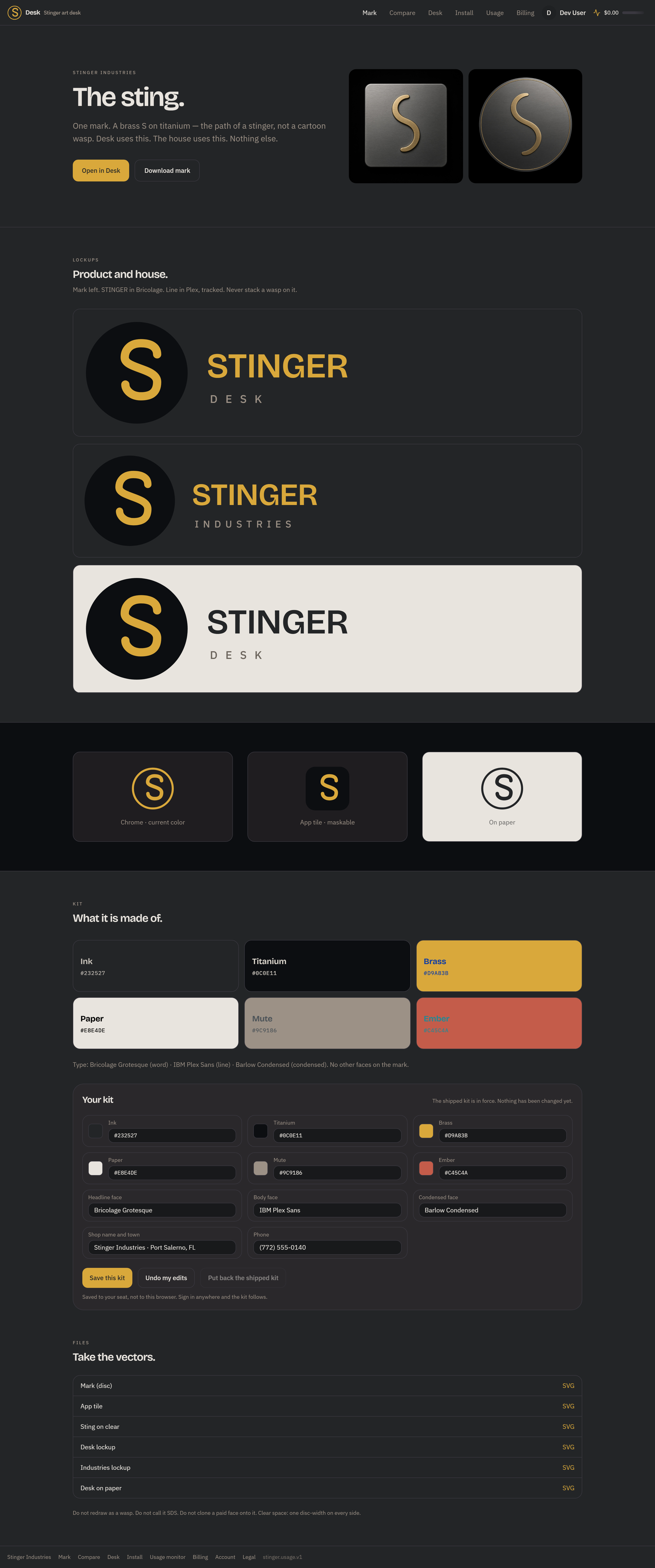
Brand kit
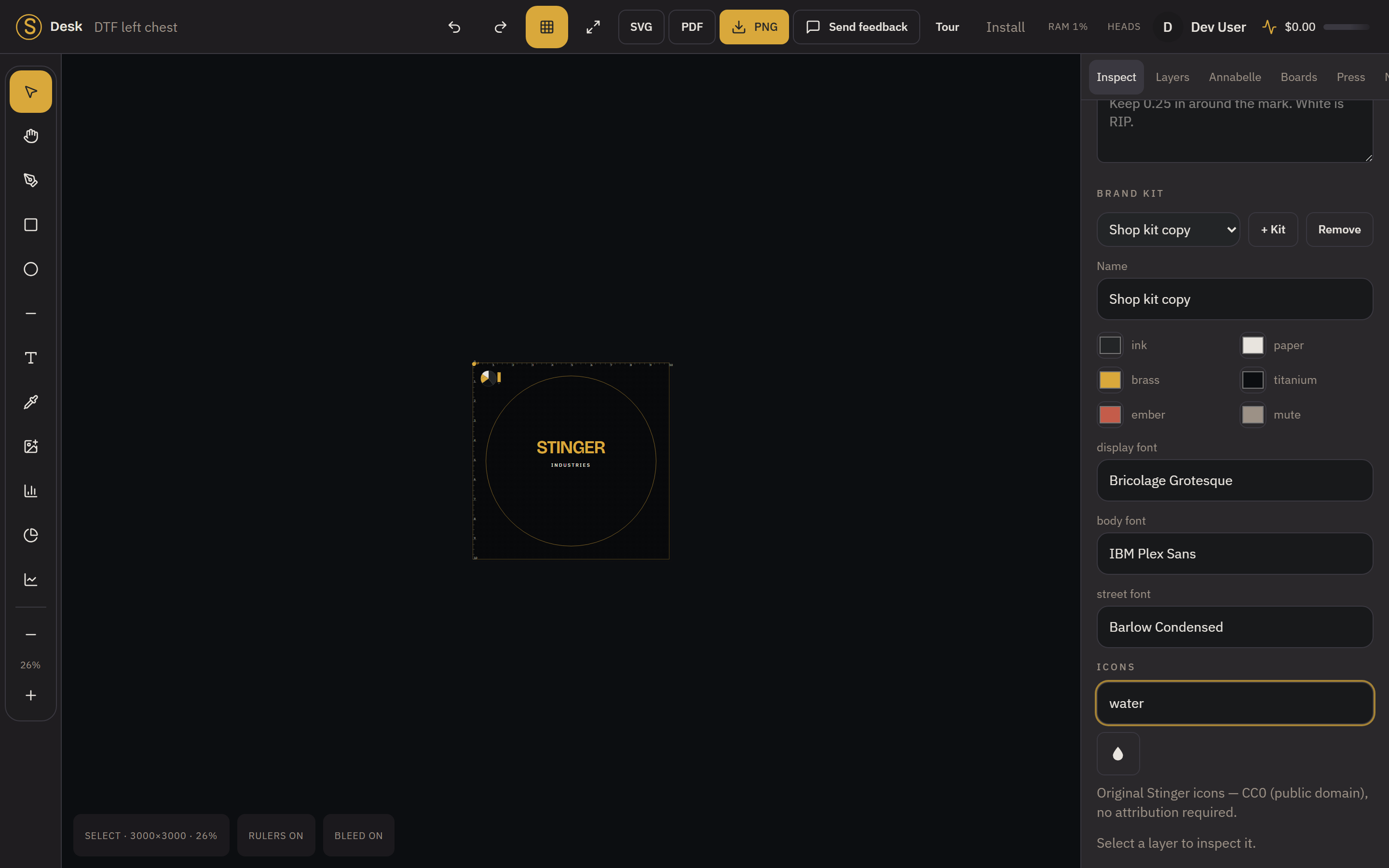
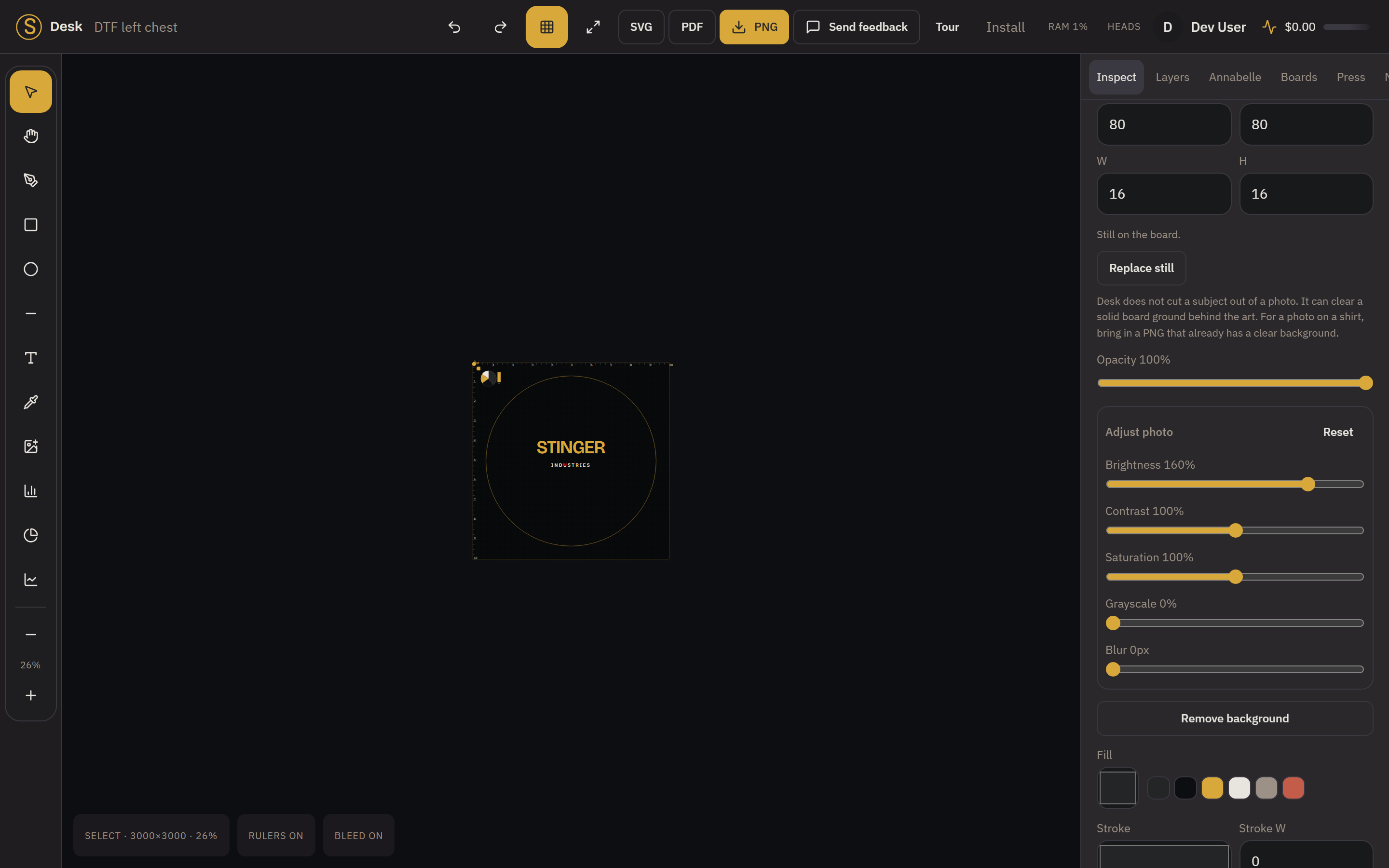
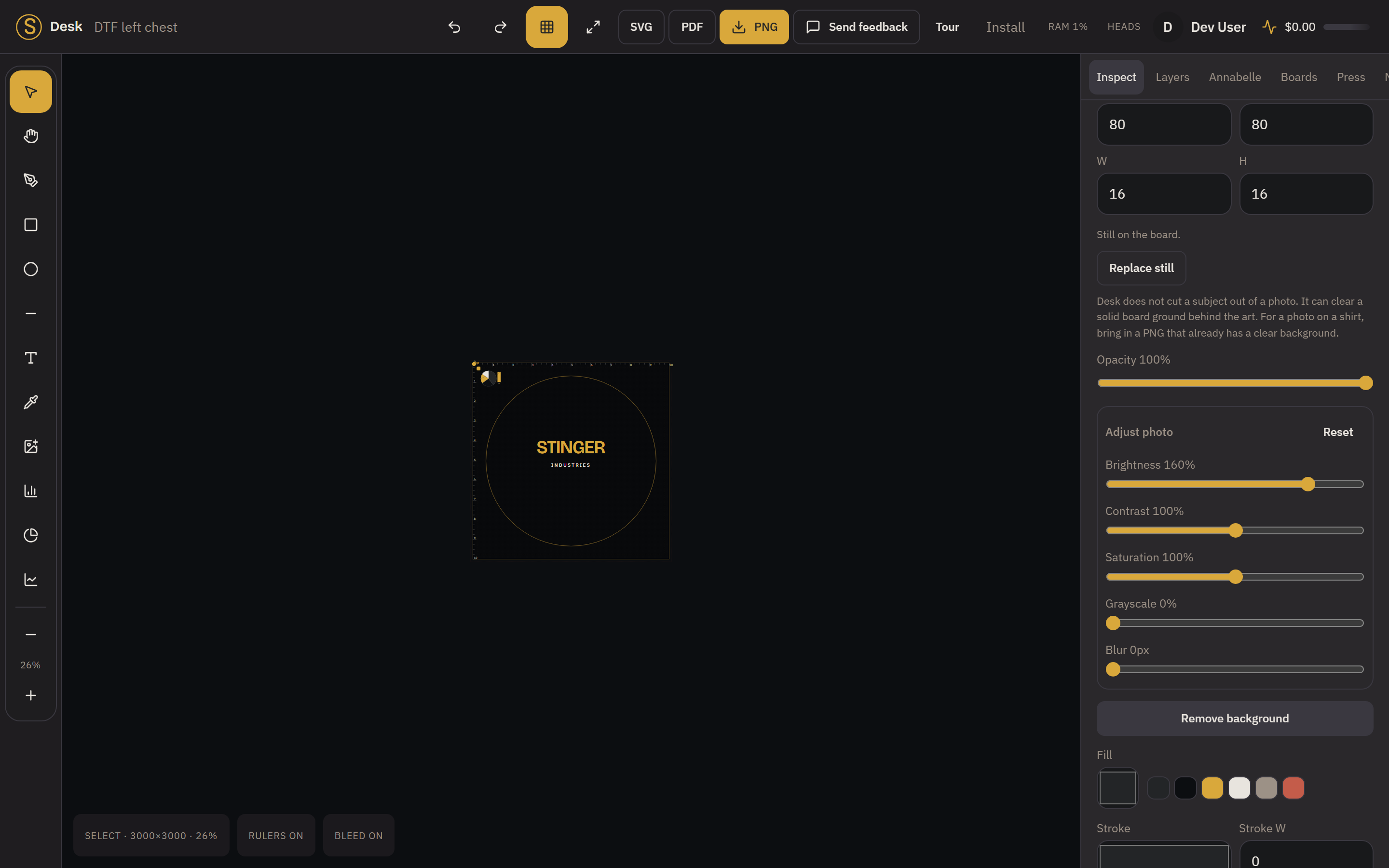
Save your colors, fonts, and logo once and reuse them across designs, held to your seat so they follow you when you sign in anywhere.
The problem
The pro suite is a toolbox. The feed tool doesn't know what film is.
Illustrator can draw anything, if you remember how
It is genuinely deeper than Desk at vector work, and we say so on our own scorecard. The problem isn't capability; it's that the shop has to know which forty panels to open before the first shirt goes out.
Canva is built for a feed, not for film
It lays out a post beautifully. It has no idea what a white underbase is, what a choke is, or that the 1390's printable width stops at 11.8 inches.
Cutter and laser apps talk to one machine
Silhouette Studio and xTool's XCS own their cable and do it well. Neither one is the art desk for the DTF printer sitting next to them.
The RIP needs a file before it can do anything
A RIP is a raster engine that fires the print head. It is not where art gets made. Desk hands it a clean pack; the RIP still owns the cable.
Jobs, not panels
You pick the job. The board comes with it.
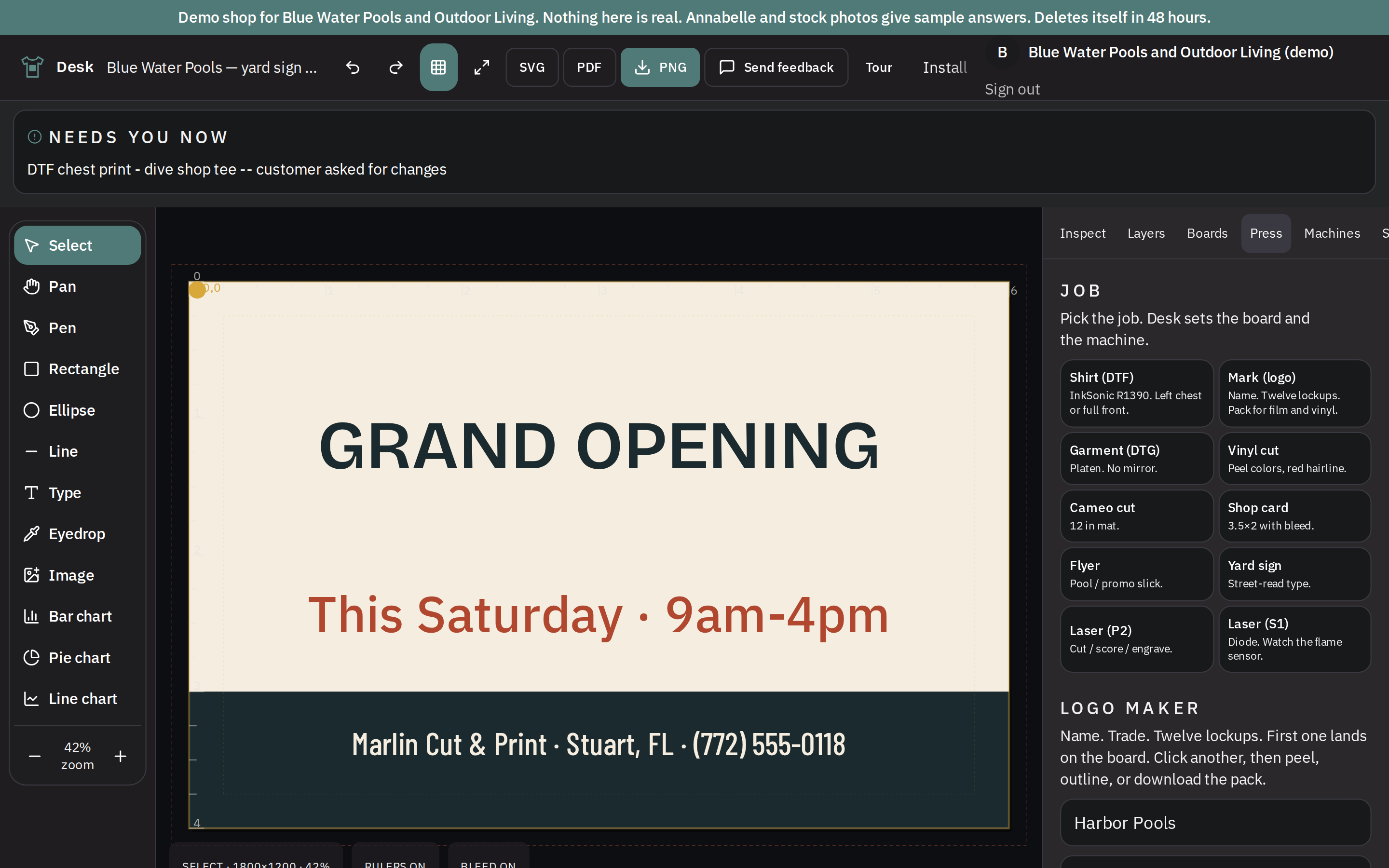
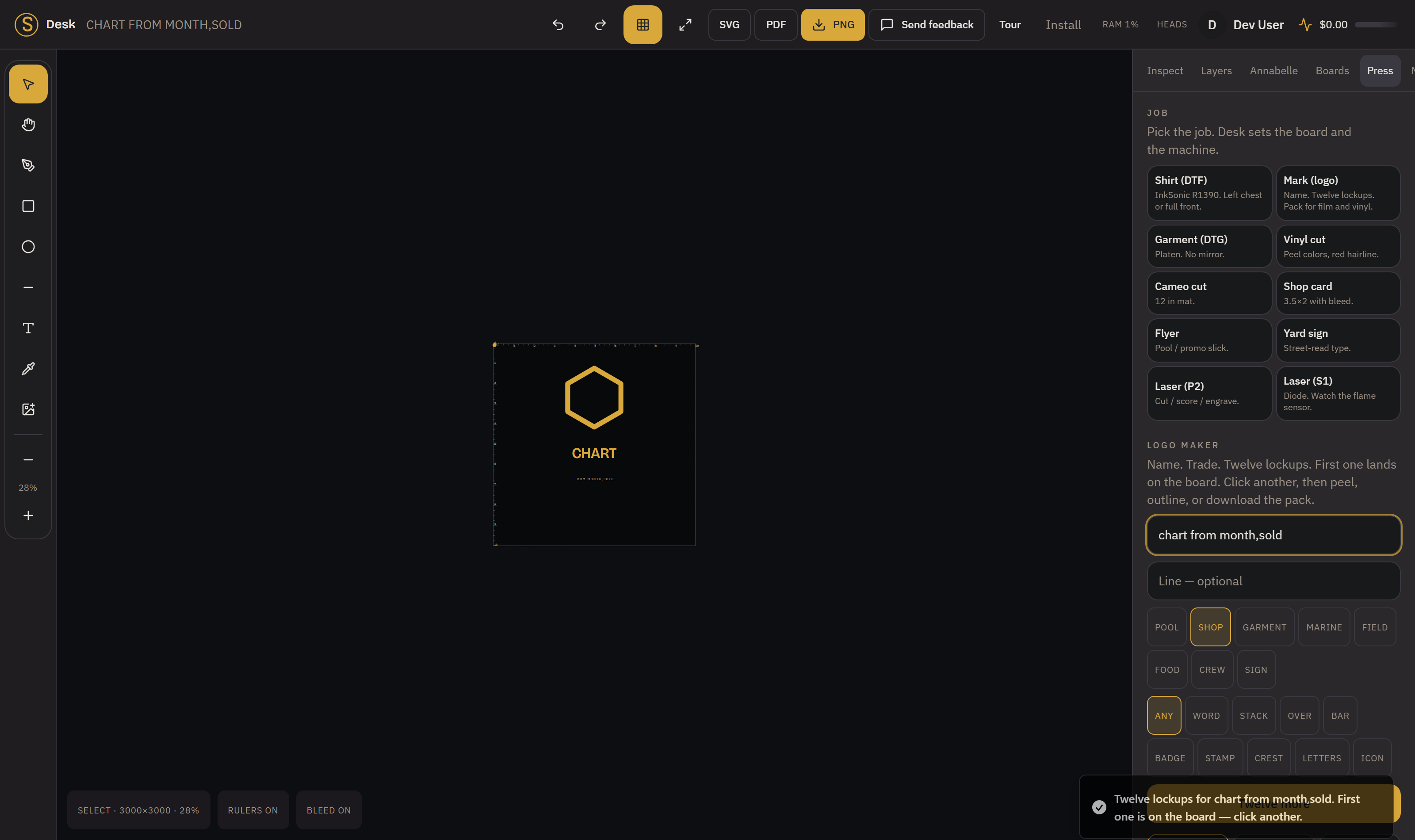
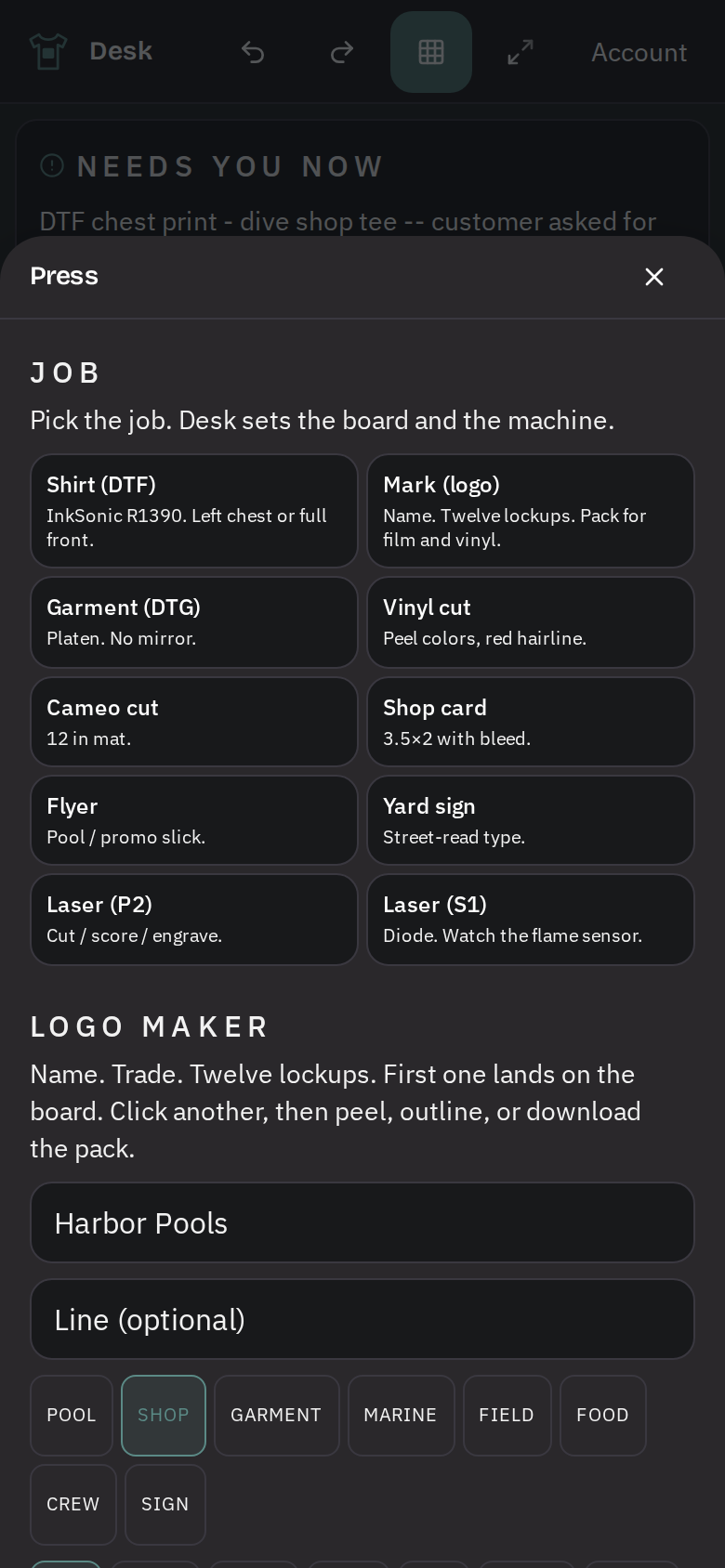
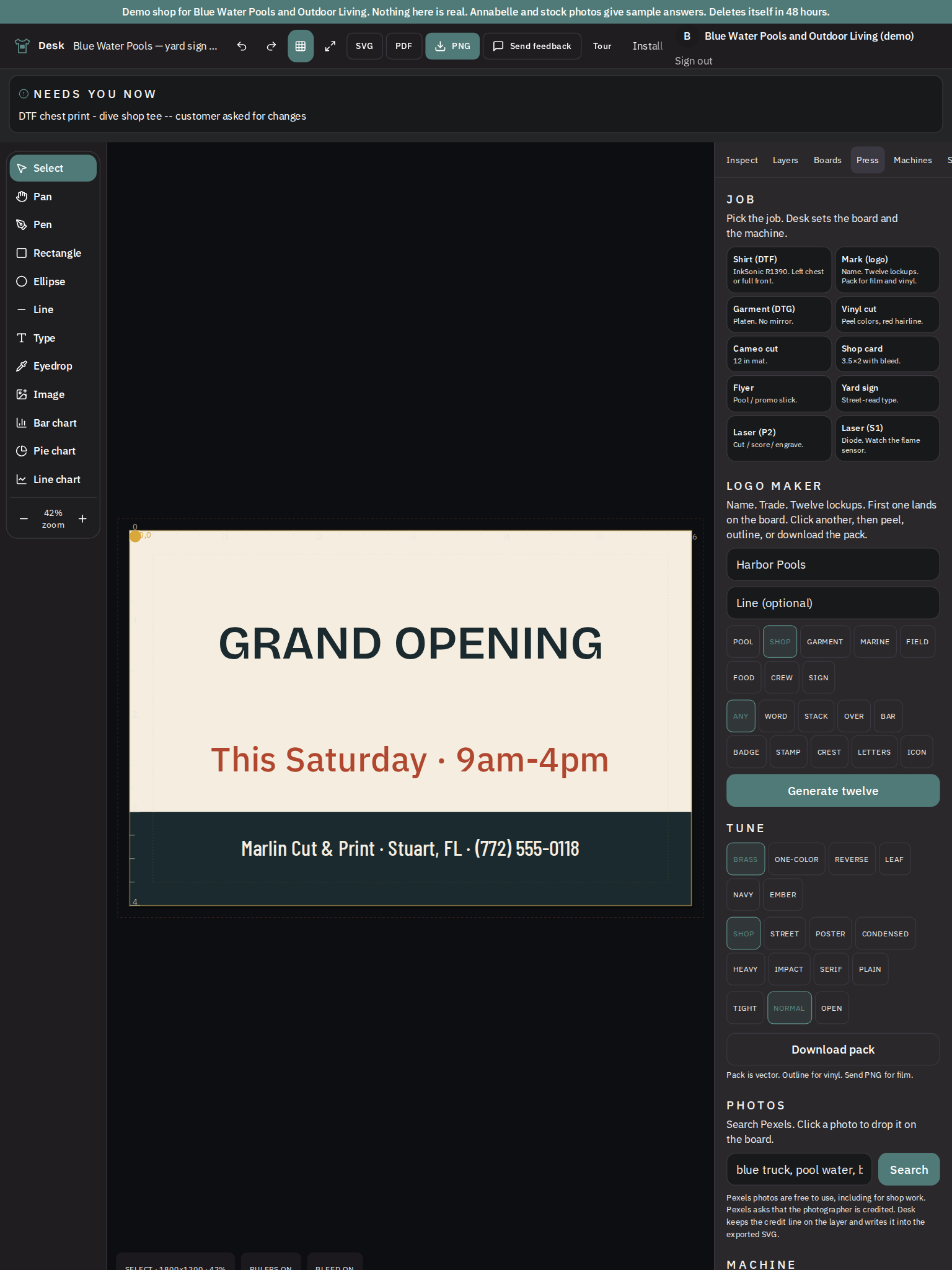
Ten jobs on the front: shirt on DTF, garment on DTG, vinyl cut, Cameo cut, shop card, flyer, yard sign, laser on the P2, laser on the S1, and a logo mark. Each one arrives already bound to a board and a machine: the shirt job opens a left-chest board sized for an InkSonic R1390, not an untitled rectangle you have to measure yourself.
38 tuned boards, not a template mill
Garment, vinyl, laser, cards, promo, marks, pool, shop. A small rack somebody actually set up, grouped by what you're making, not ten thousand stock layouts to scroll past.
The board knows its machine
Boards carry the device with them, so "full front" means 12 inches on a bed that prints 11.8, and the desk tells you that before the film does.
Real vector tools underneath
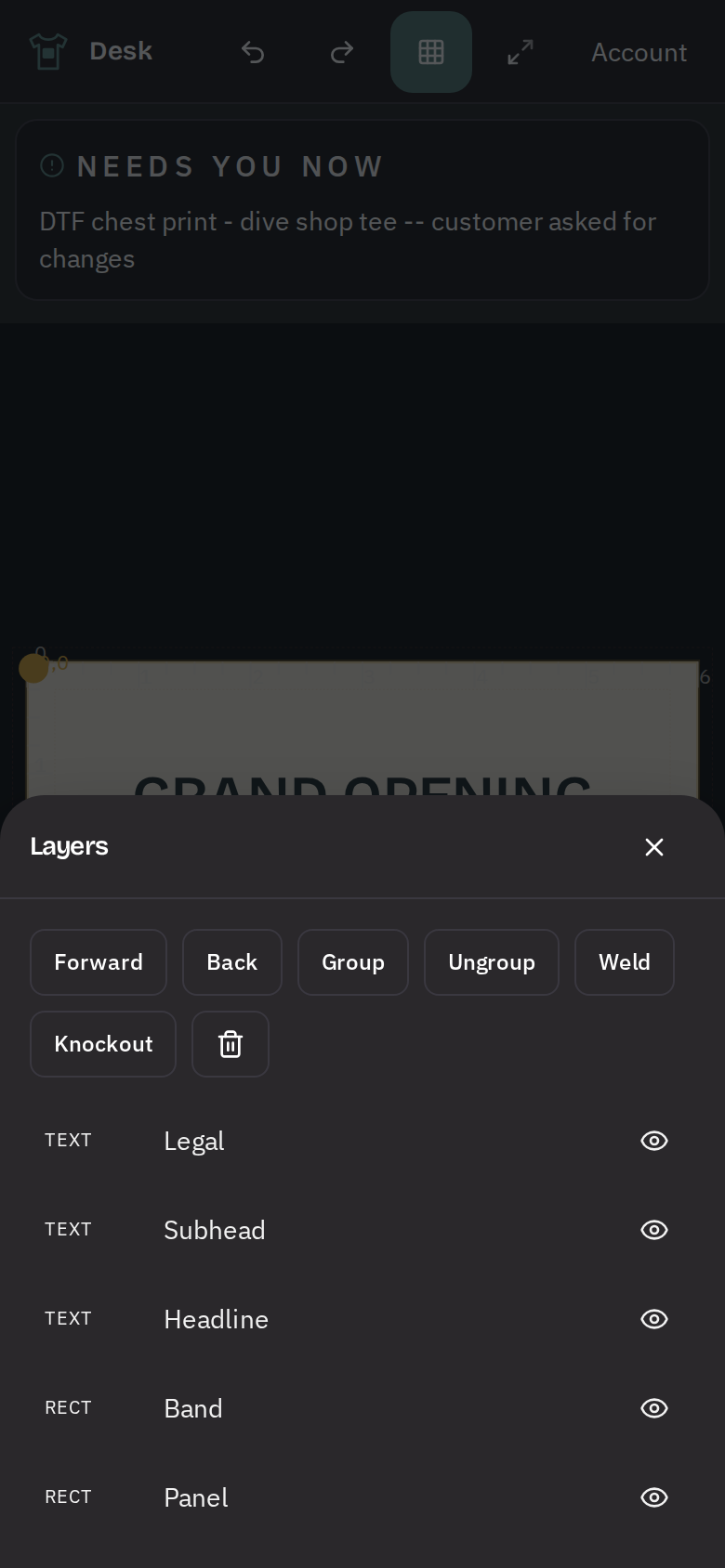
Bezier handles you can pull, weld and boolean, outline, type on a path, groups and layers. Enough to build a shop mark. Not a thirty-year plugin ecosystem, and we don't claim it is.
1,724 open faces on the rack
Google Fonts under OFL, Apache and UFL, loaded when you pick one rather than all at once. Desk will match a face from a photo. It will not manufacture a copy of a paid font. Nobody honest does that.
Print production
Peel, choke, weed, nest, trace: the work that happens after the art is done.
This is the part a feed tool never has and the part a new hire never learns fast. It is in Desk as real operations on the board, not as an export preset.
Peel: separate a still into color plates
Quantizes an image down to as many as six inks, despeckles it, and lays each ink out as its own plate. A mark of another color inside the art stays on its own plate instead of bleeding into the one behind it.
Choke: the white underbase, pulled back
An erode on the alpha channel shrinks the white plate so the color prints over it instead of leaving a white halo at the edge. The R1390 profile carries its own choke value.
Keep sharp: trace a raster to a path
Marching squares turns a still into a real path so scaling it up gives you a clean edge rather than stairsteps. Press check flags art that's been scaled past its native pixels and offers this as the fix.
Gang: nest to save film
Skyline packing with leftover shelves fits the pieces onto the sheet tighter than a uniform grid. It is not a production RIP's nesting engine; it's an honest saving on film and vinyl.
Weed and cut lines
Contour and print-cut paths, red hairline cut color, score and engrave layers, registration marks in the corners, mirror for film.
CMYK, an ink guess, and a barcode
Hex converts to a CMYK estimate. Ink is estimated from measured coverage times a per-square-inch rate by machine kind, and the note says "shop guess" out loud. Code 128B barcodes for a phone, an invoice or a SKU.
Machines
21 machine profiles, a press check that stops the job, and cards for the settings.
The machines shops actually own
InkSonic R1390 and L1800, Prestige R2, Epson SureColor F1070 / F2270 / F2100 / F570, Brother GTX300 and GTXpro, Graphtec CE7000 and FC9000, Roland GS-24 and BN-20, Silhouette Cameo 5, USCutter MH, GCC Expert 24, and xTool P2, S1, M1 and F1.
Press check runs before you send
Board wider than the bed is a stop, not a warning. Taller than the bed says gang or split. A still scaled past its pixels, or a JPEG on a machine that needs transparency, gets caught with the fix attached.
Recipe cards, not drivers
Pine 3 mm cut, acrylic, slate engrave, DTF at 1440×720, Oracal 651. Each card says what to set and where. You still set it in XCS or the RIP. Desk does not pretend to be the driver.
A fault book for when the head misbehaves
White dropping out, banding, a clogged channel: what you're seeing, why it happens, the steps in order, and a stop line telling you when to quit cleaning before you cook the head.
Annabelle
She drives the controls. You keep the last word.
Say peel, keep sharp, mirror, gang, weed, contour, add reg marks, run press check, send to the 1390, the same vocabulary as the buttons, because it runs the same operations the buttons run. Plain phrasings are matched locally before anything reaches a model, so the common asks cost nothing and answer instantly.
Two cockpits, one board
Nothing is voice-only and nothing is click-only. Anything she can do, you can do by hand, and the board is the same board either way.
She never runs on her own
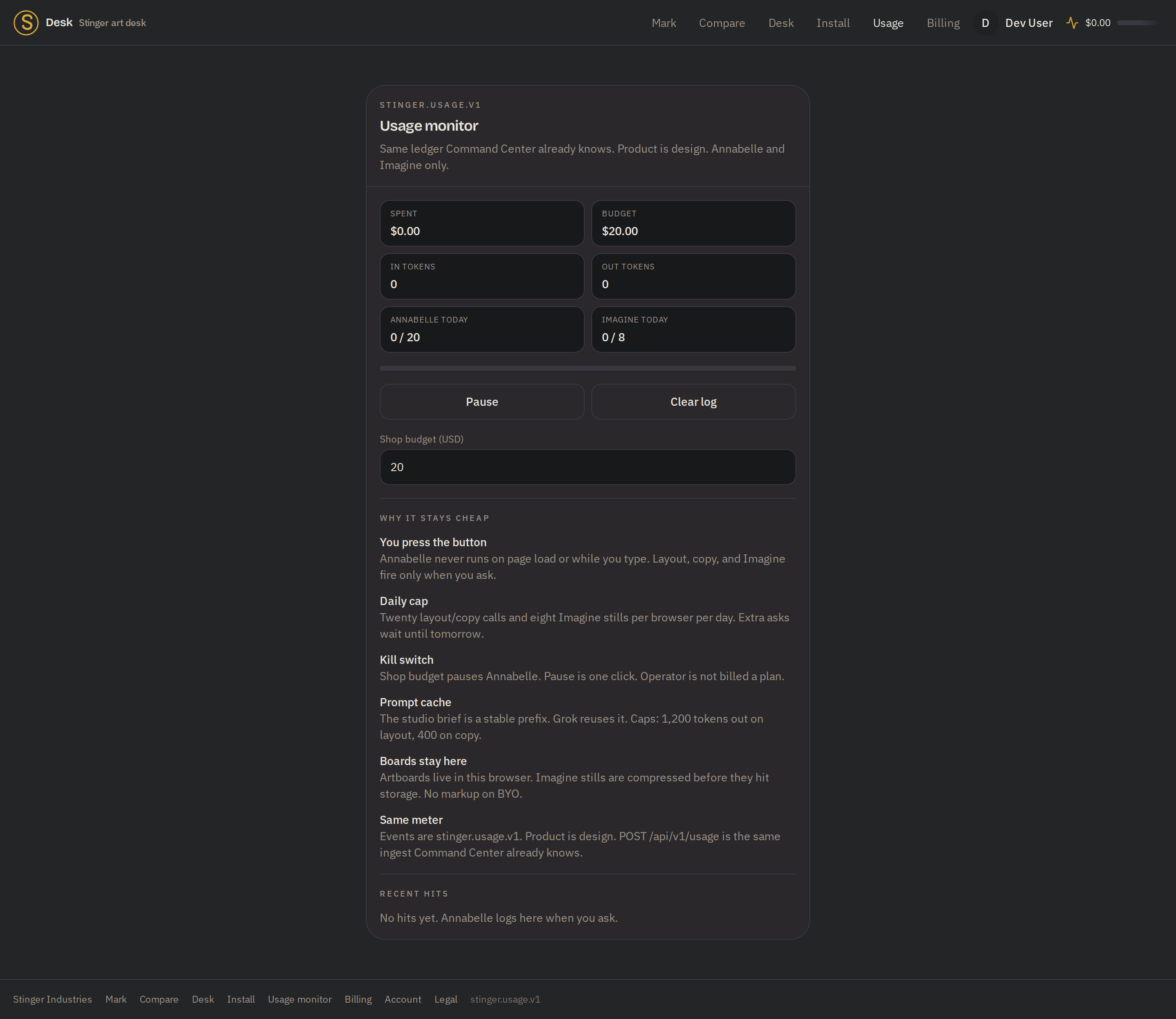
Annabelle doesn't fire on page load or while you type. Layout, copy and generated stills happen when you ask for them, and the shop budget can pause her in one click.
Capped by design
Twenty layout and copy calls and eight generated stills per browser per day. The studio brief is a stable prompt prefix so it caches instead of being re-billed on every ask.
Proofs
A link. Pins on the art. Approve, or send changes.
No account for the customer
A proof is a token link. Your customer opens it, sees the board, and clicks: nothing to install, no login to create, no seat to buy for someone who just needs to say yes.
Pins land on the art, not in an email thread
Click the spot, type "move left a quarter inch." The note is attached to a coordinate on the board instead of being described in a paragraph you have to decode.
Approved or changes: a state, not a vibe
The proof carries a status. It is pending, approved, or changes-requested, with the note that came with it.
Where it runs
Desk, tablet, phone, and the same usage meter Command Center already reads.
Install it as its own window
On the shop computer it opens from the desktop with no browser tab around it. On a tablet the rail moves to the bottom with handles big enough for a truck seat. On a phone it goes on the home screen.
Same meter, same spec
Every model call Desk makes is a stinger.usage.v1 event with product design posted to the same /api/v1/usage ingest Command Center already knows. One ledger, not a second bill to reconcile.
Built not to eat the machine
Hard caps on documents, nodes per board, undo depth, image size and export pixels, plus a heap watcher. A shop computer running the desk should not fall over because someone pasted a 40-megapixel photo.
Stands alone, better in the house
You do not need the rest of Stinger to use Desk. If you do run Command Center and Galley, invoices come in and proposals go out of the same job.
A document tool sits next to the board
Desk isn't only the vector studio: a built-in word/document tool sits alongside it for the paperwork a shop still writes, a quote, a job note, a flyer's copy, without leaving Desk for another app.
What Desk is not
The limits, before you find them yourself.
No ICC, no soft proof, no PDF/X
Color is a shop kit plus a CMYK estimate. That is not a contract proof and we will not call it one. If your work needs a color-managed proof, Illustrator or Corel plus your RIP is still the right answer.
It does not own the USB cable
A browser cannot replace the RIP's USB connection to the print head, so Desk doesn't try. Send drops a job pack into a hot folder the RIP watches. Bluetooth is a device probe, not a print path. Desk does not print over Bluetooth.
Shallower than the pro suite, on purpose
No plugin host, no live corners, no prepress feature set. Illustrator wins vector depth and Corel knows a print shop better. Desk is built for DTF film and a new hire, not for a prepress veteran.
Estimates labeled as estimates
The ink number is a coverage guess, not a RIP ink meter. The nest is a packer, not a production nesting engine. Barcodes are Code 128B, not a GS1 certification. Comparison scores are our own shop rubric, not a lab benchmark.
Google sign-in is optional
Boards live in your browser. Signing in is for holding a seat and for the handshake with Command Center. It is not a wall in front of the desk.
And it still isn't for sale
Everything above is running. None of it is purchasable today. When the register opens, this page will say a price instead of saying this.
More on the board
Codes, repeats, previews and versions.
A QR code on the board
Make a QR code on the board, alongside the Code 128 barcode and CSV charts.
Repeat a design, or merge a name list
Repeat a design across a sheet, or merge a CSV of names into a run of personalized pieces, up to a set limit.
Preview the mark, keep the template
Preview a mark on a mock surface and keep job templates for repeat work.
Named board versions
Save a named version of a board and go back to it.
Cloud, export and machines
Boards that follow you, and files each machine can use.
Boards saved to your account
Save boards to your account and open them from another device.
Plates, job packs, and three export formats
Export PNG, SVG or PDF, each color plate on its own, or a job pack set up for the specific machine.
Maintenance and job records per machine
Keep maintenance and job records for each machine, with the vendor's own connection steps.
Clients and payments
A client list, a proof link, and a payment link.
A client list tied to every board and proof
Keep a client list and see every board and proof tied to each customer.
You send the proof link yourself
Desk opens the proof link in your own email or messages app so you send it yourself.
A Stripe Connect payment link
After connecting Stripe, make a payment link for a customer and proof and check whether it was paid.
Full node editing, multiple artboards
Full board editing: copy, group, align, flip, rotate and reorder, with several artboards, guides, bleed and weed views.
Works with the internet off
The desk keeps working if the internet drops.
Desk opens straight into a working template gallery with no internet connection needed. Its build also checks that the files its offline database engine needs are actually present, so a fresh build cannot silently ship without them.
See it
A walkthrough, not a checkout.
Desk is on the bench and we'd rather show it to a shop that runs a 1390, a cutter, or a laser than describe it. Tell us what machines you have and what a normal Tuesday looks like, and we'll walk the desk against your actual work.
Related
Part of the same lineup, on its own schedule.
Desk stands alone and doesn't need the rest of Stinger to be walked through. When a shop also runs Command Center, Desk reads and writes usage on the same record, and it shares its AI-run controls with the rest of Stinger's AI-tooling lineup.
Adobe, Illustrator, Canva, CorelDRAW, Silhouette, and xTool are trademarks of their owners. Comparisons here are capability comparisons, not claims of affiliation.
On your phone and tablet
On your machine
Get it on your desk
One click from the browser
Install it as an app
Install it straight from the browser in one click. It gets its own icon on your desktop and taskbar, and opens in its own window.
- Chrome / Edge the Install icon in the address bar, or menu > Install (Apps > Install this site as an app).
- Safari (Mac) File > Add to Dock.
- Safari (iOS) Share > Add to Home Screen.
Android
Google Play
On Google Play, in review.
iOS
TestFlight
Via TestFlight, pending.
No app to install to see it, ask Vincent for the demo.