
 STINGER BOUND
Bookkeeping for any business, included with every tier.
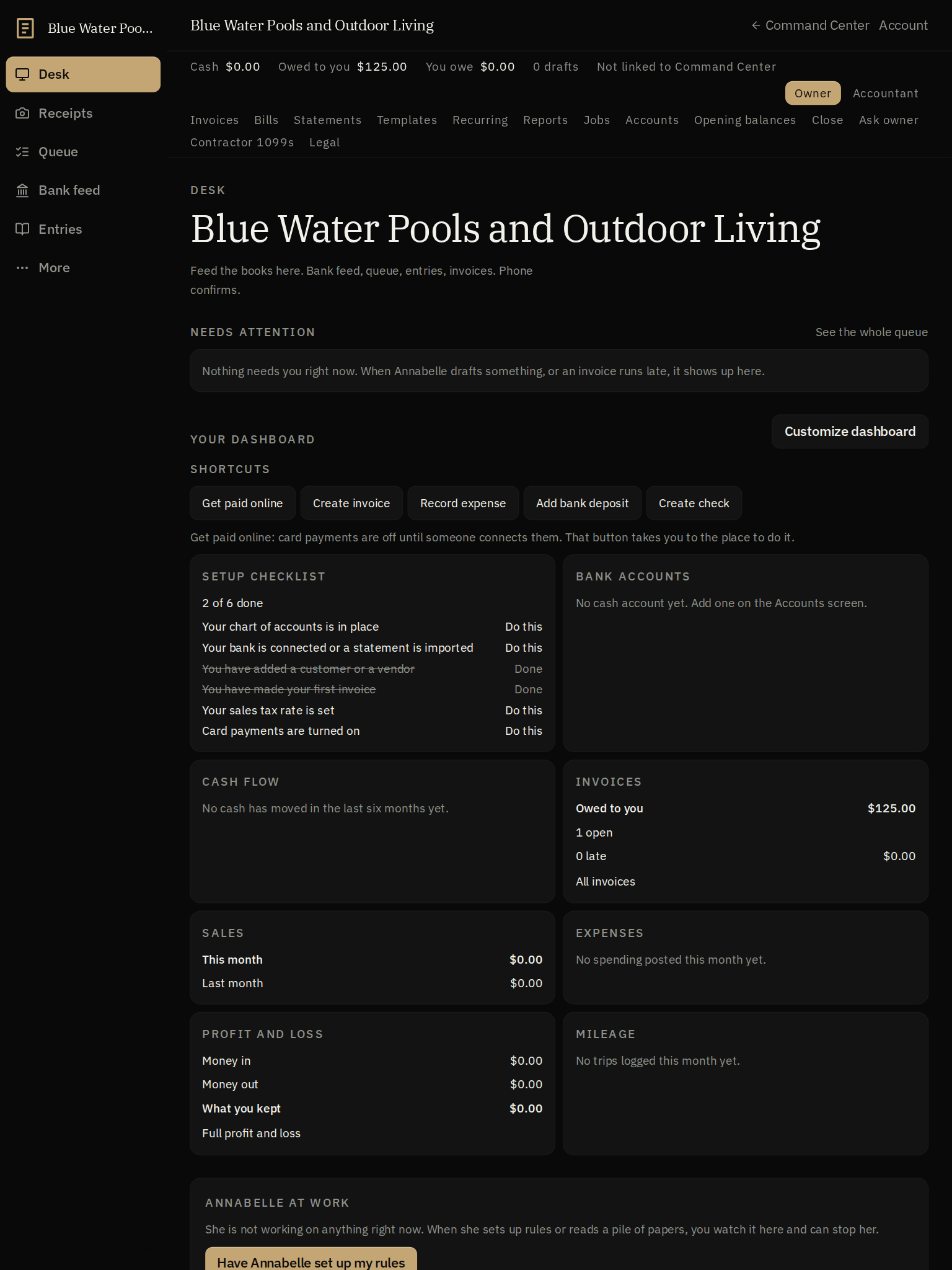
Bookkeeping included with every tier. Keep QuickBooks Online and run Bound beside it, or switch when Bound does the job. Annabelle reads the job, the invoice, the receipt, and drafts the entry; you confirm from the desk or the phone, and each business keeps its own name on the door.
Live
Onboarding.
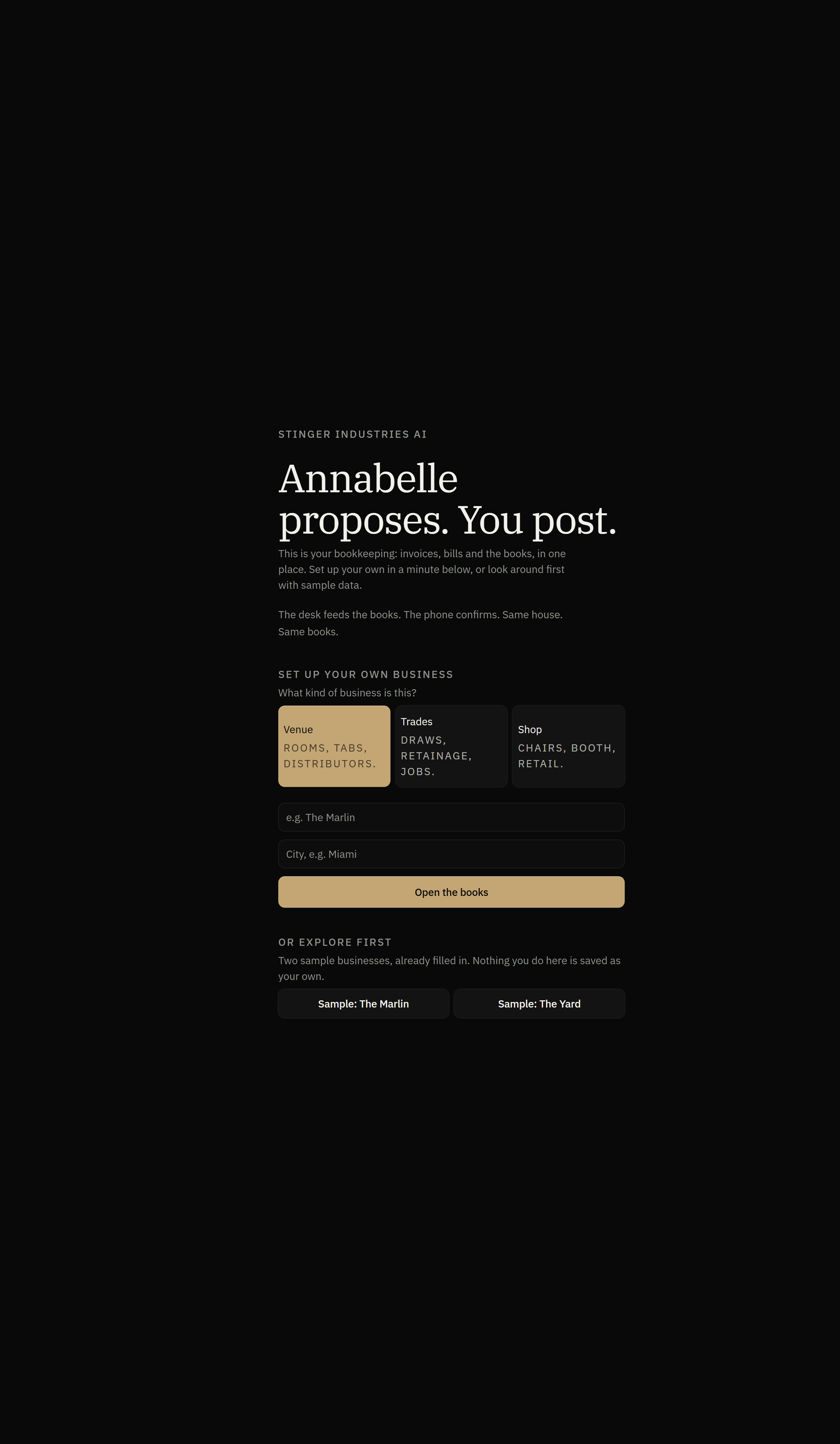
The onboarding screen: pick a business type, name it and its city, then Open the Books. This is the setup step before invoices, bills and journal entries, showing where a new set of books begins.
See it in action
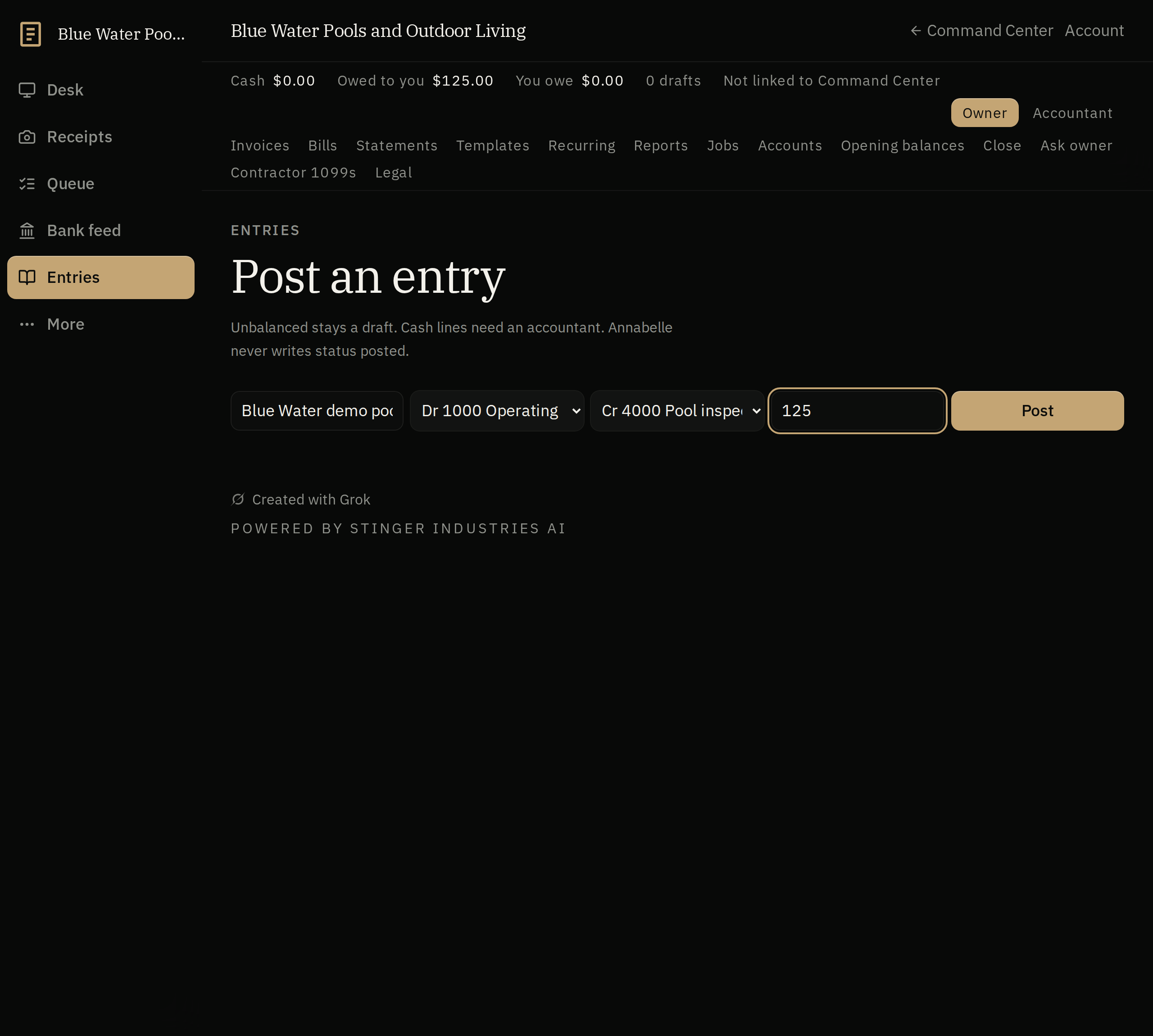
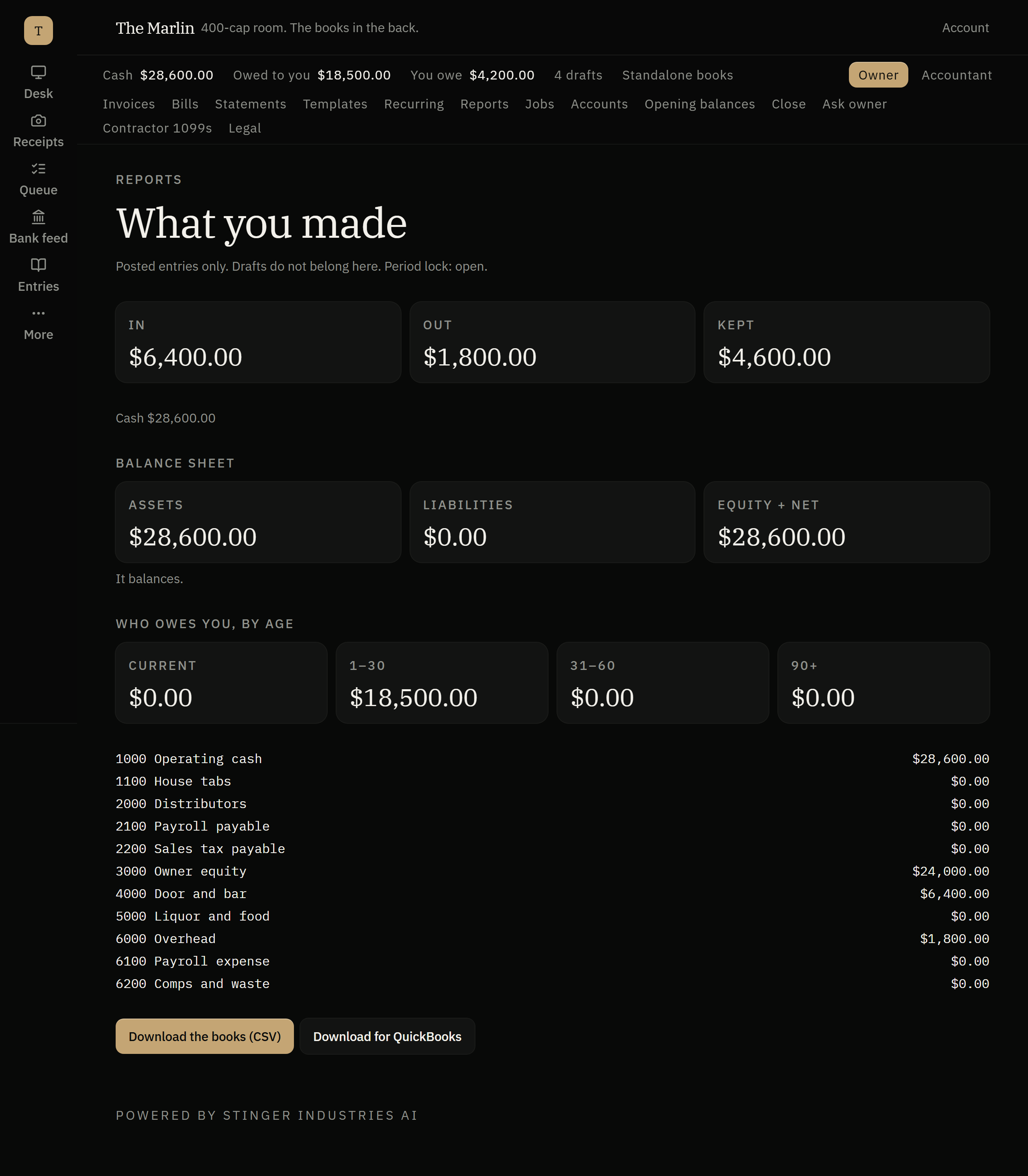
A closer look
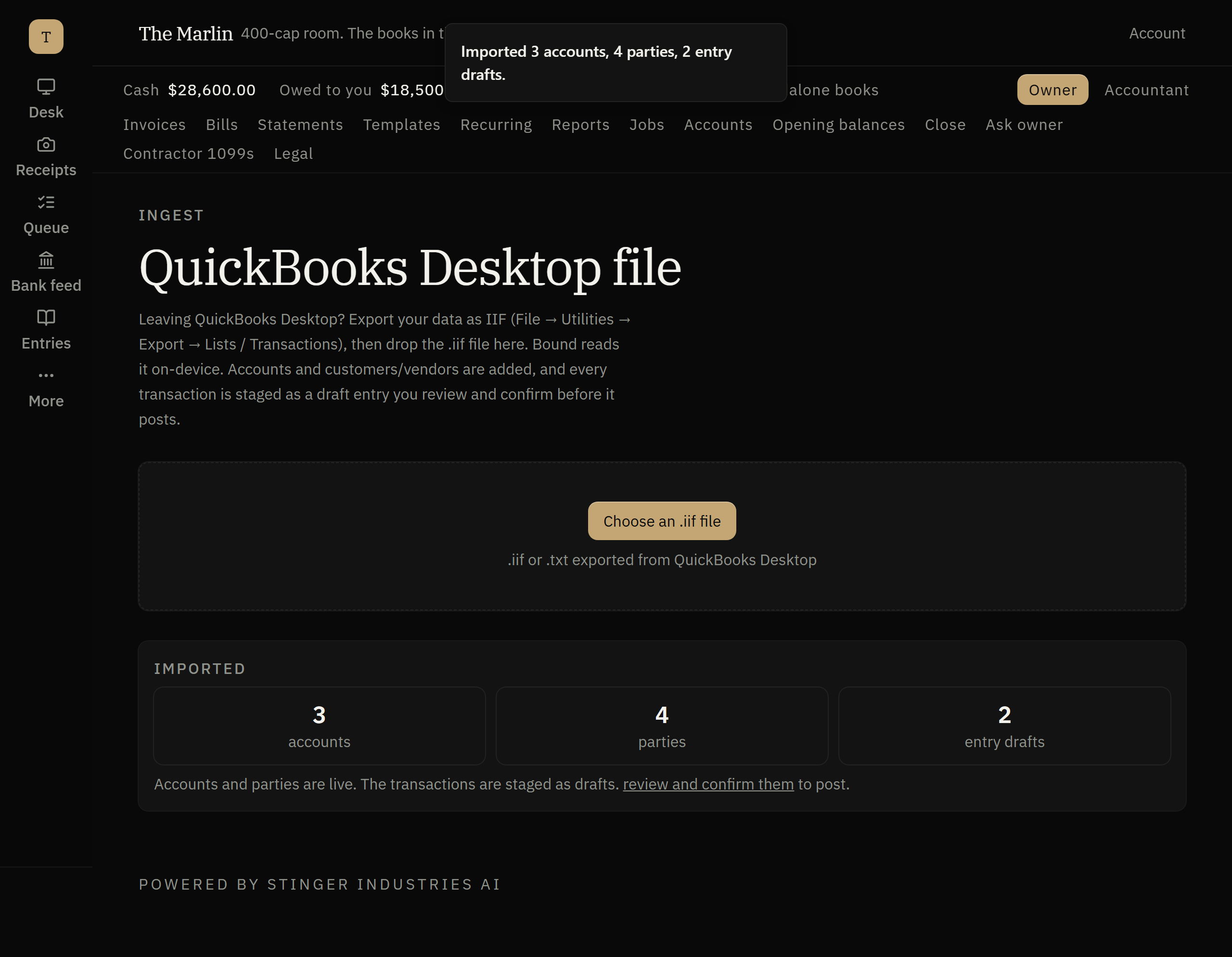
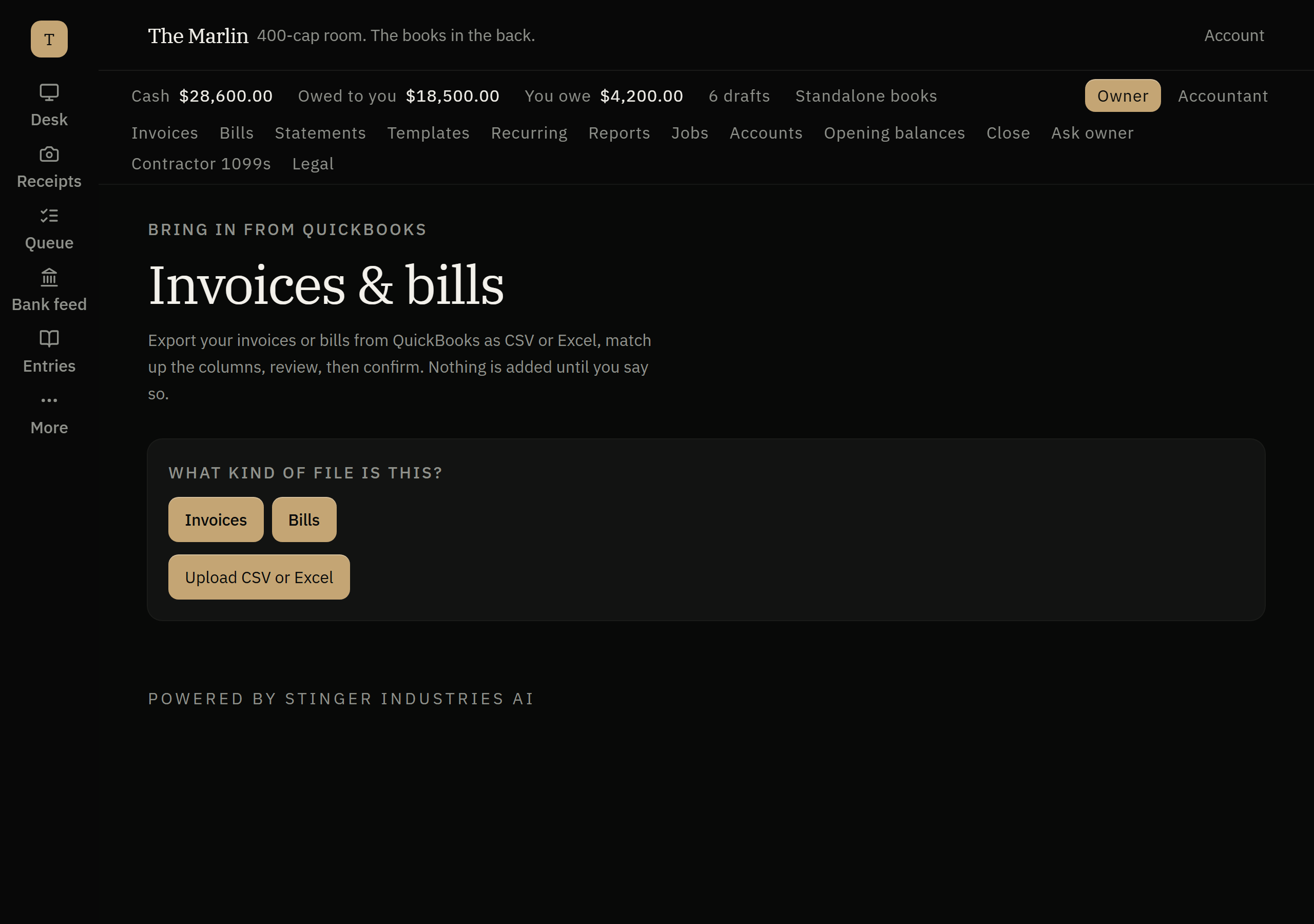
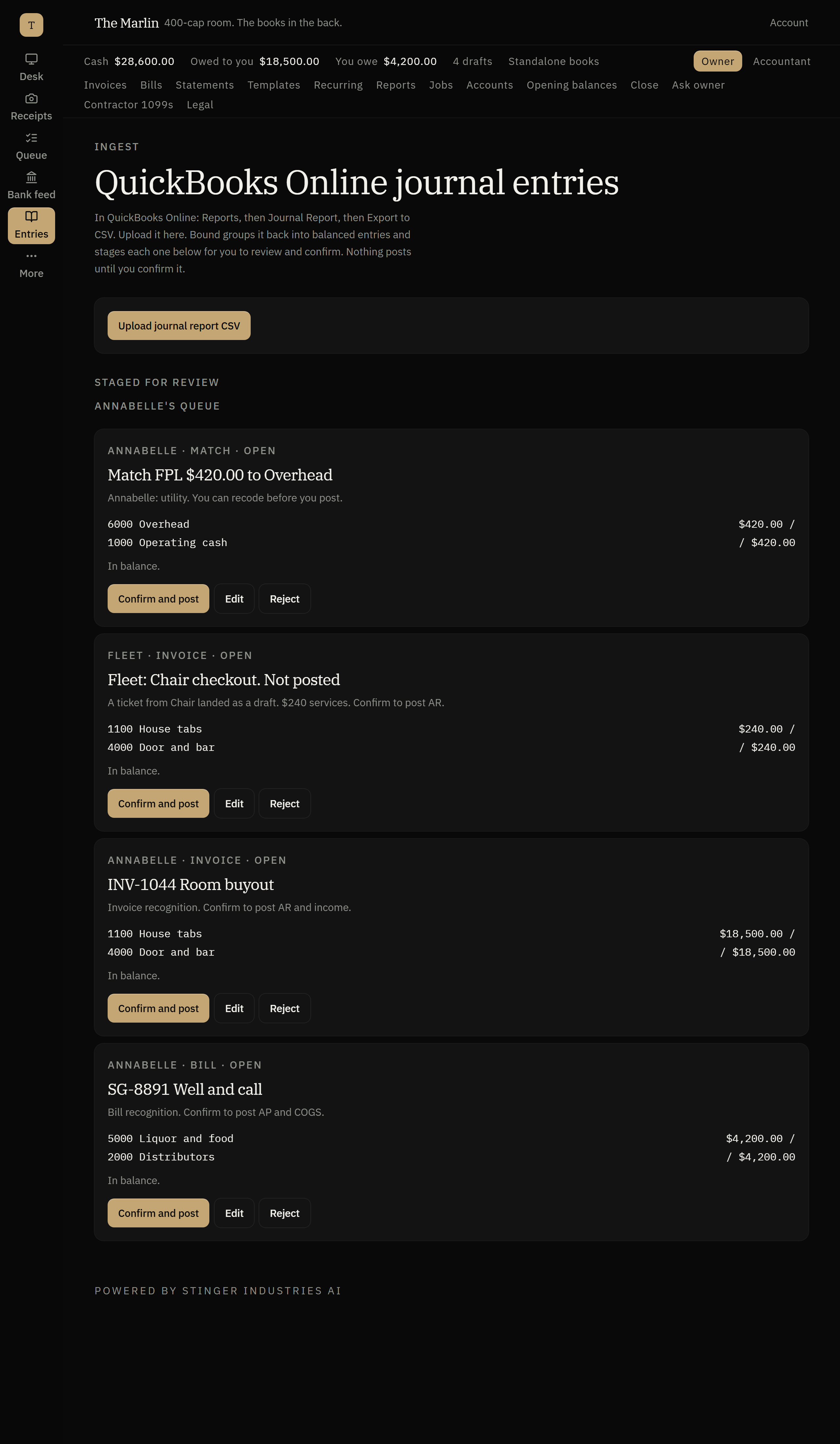
The full books, room by room
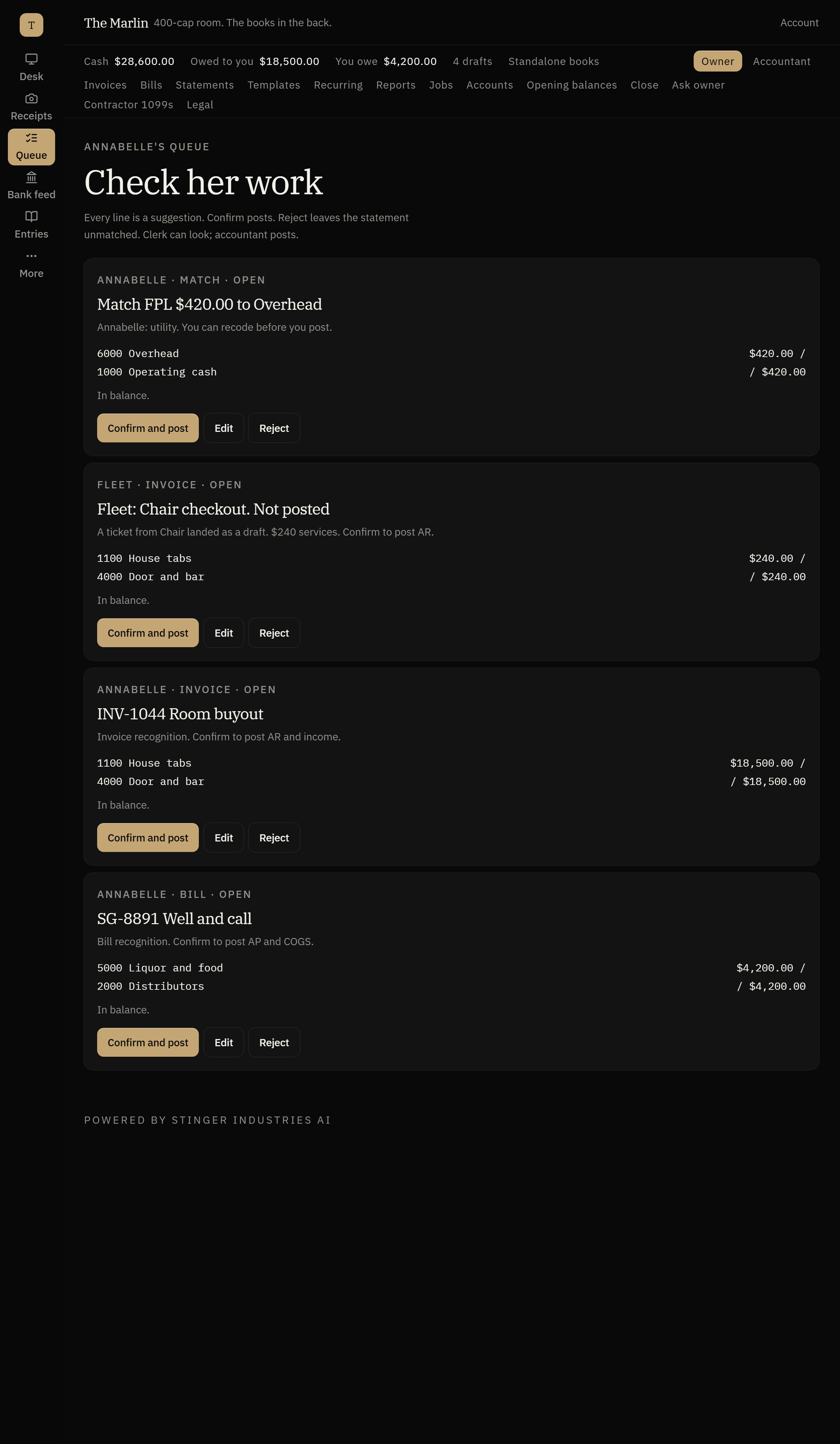

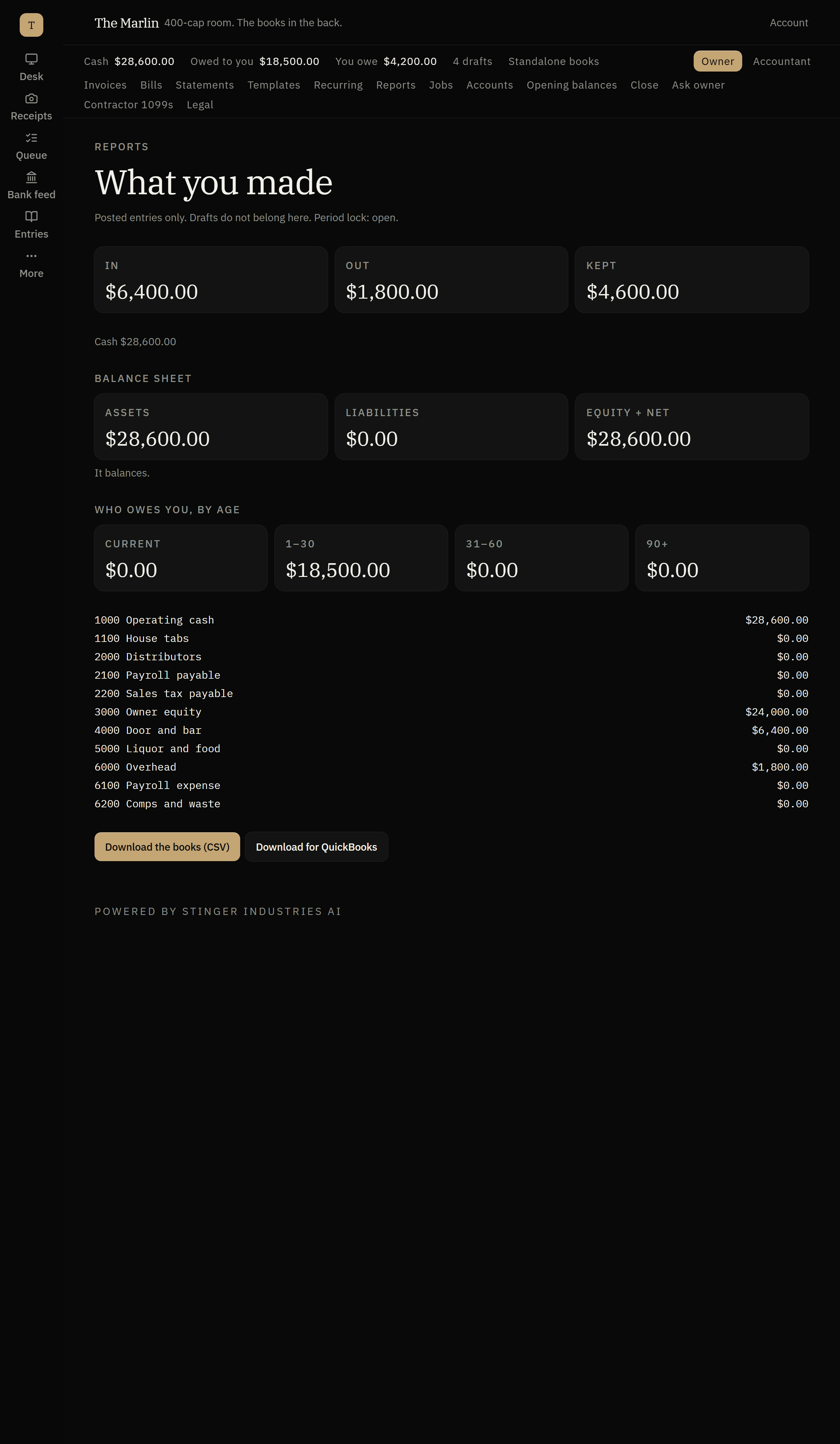
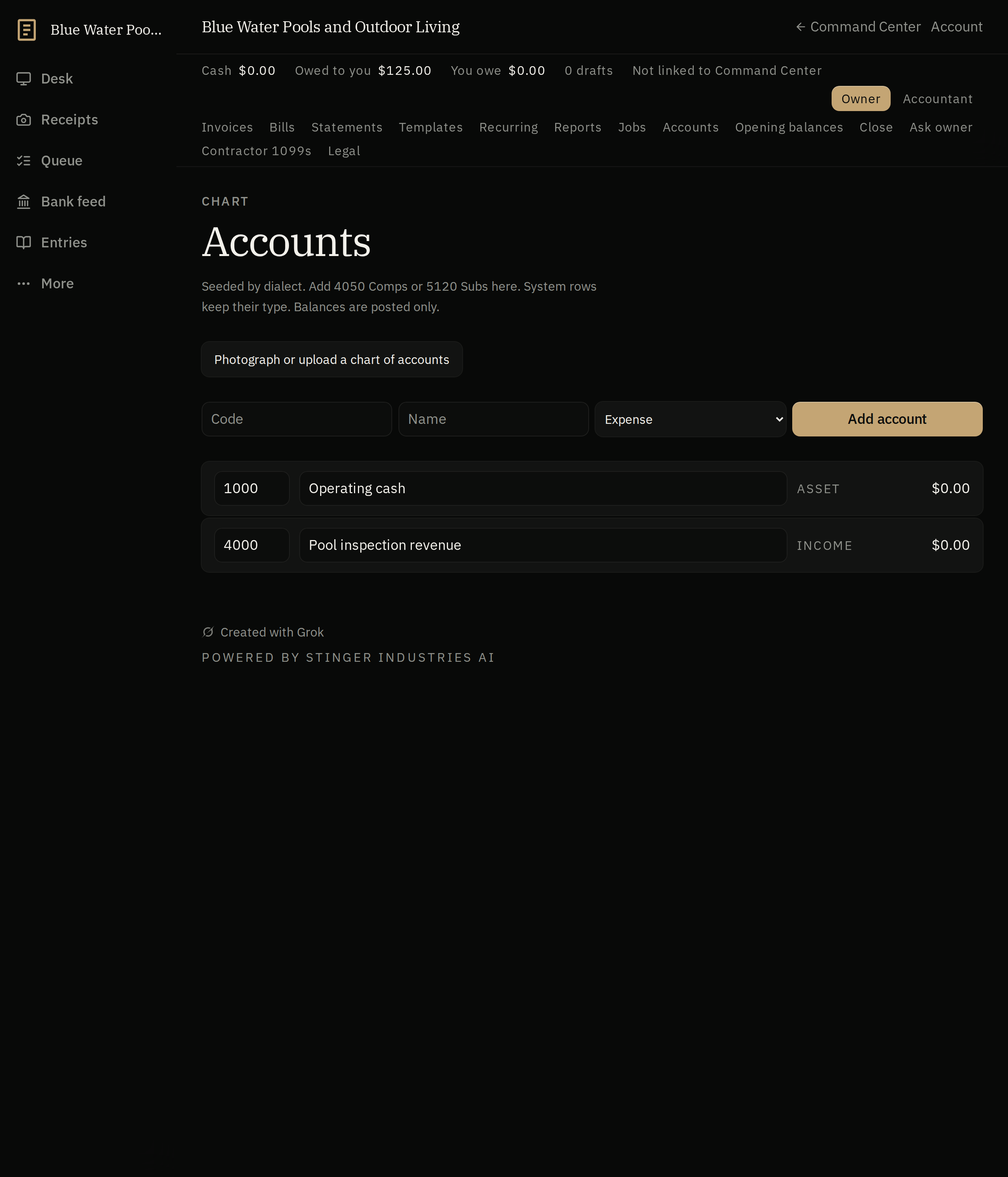
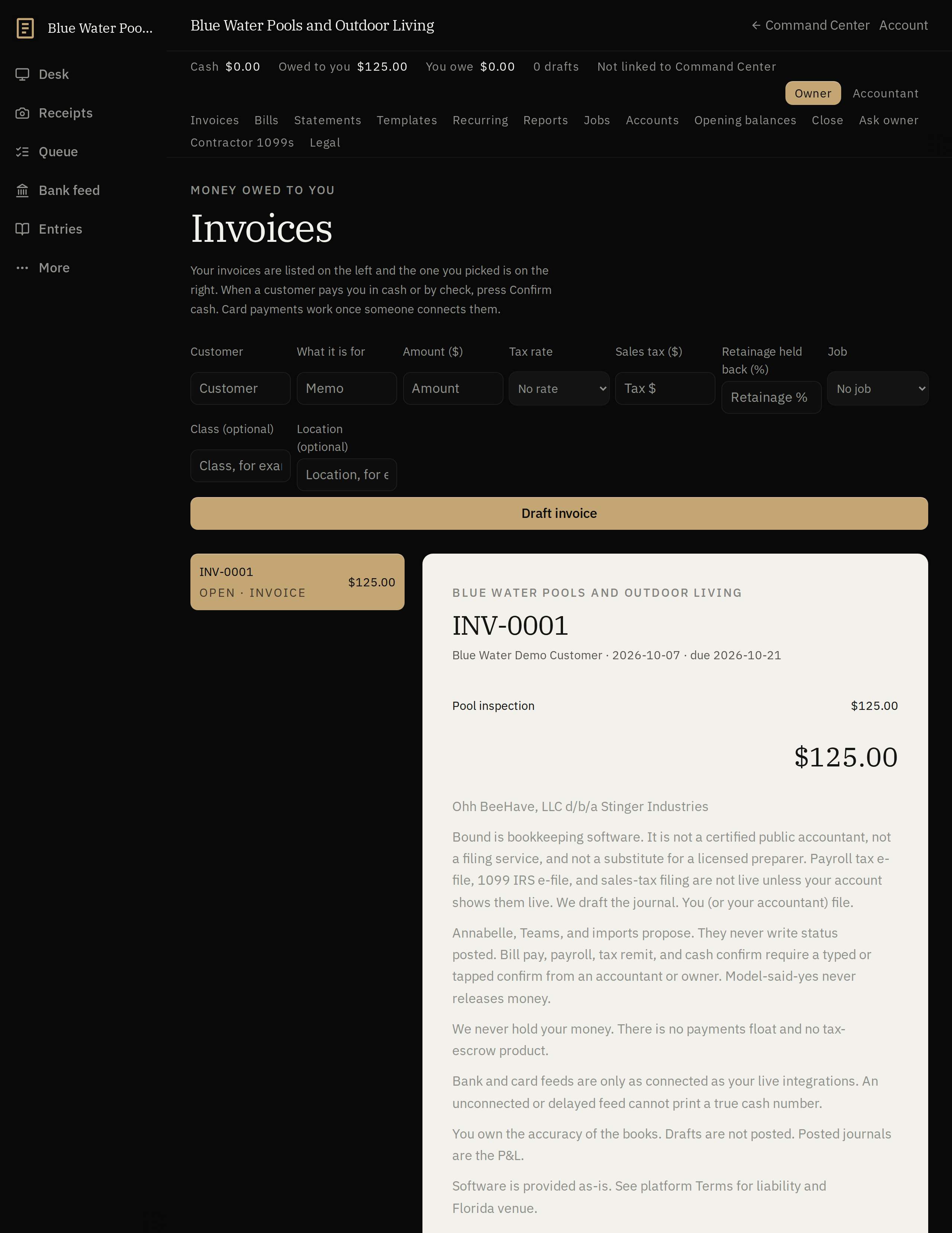
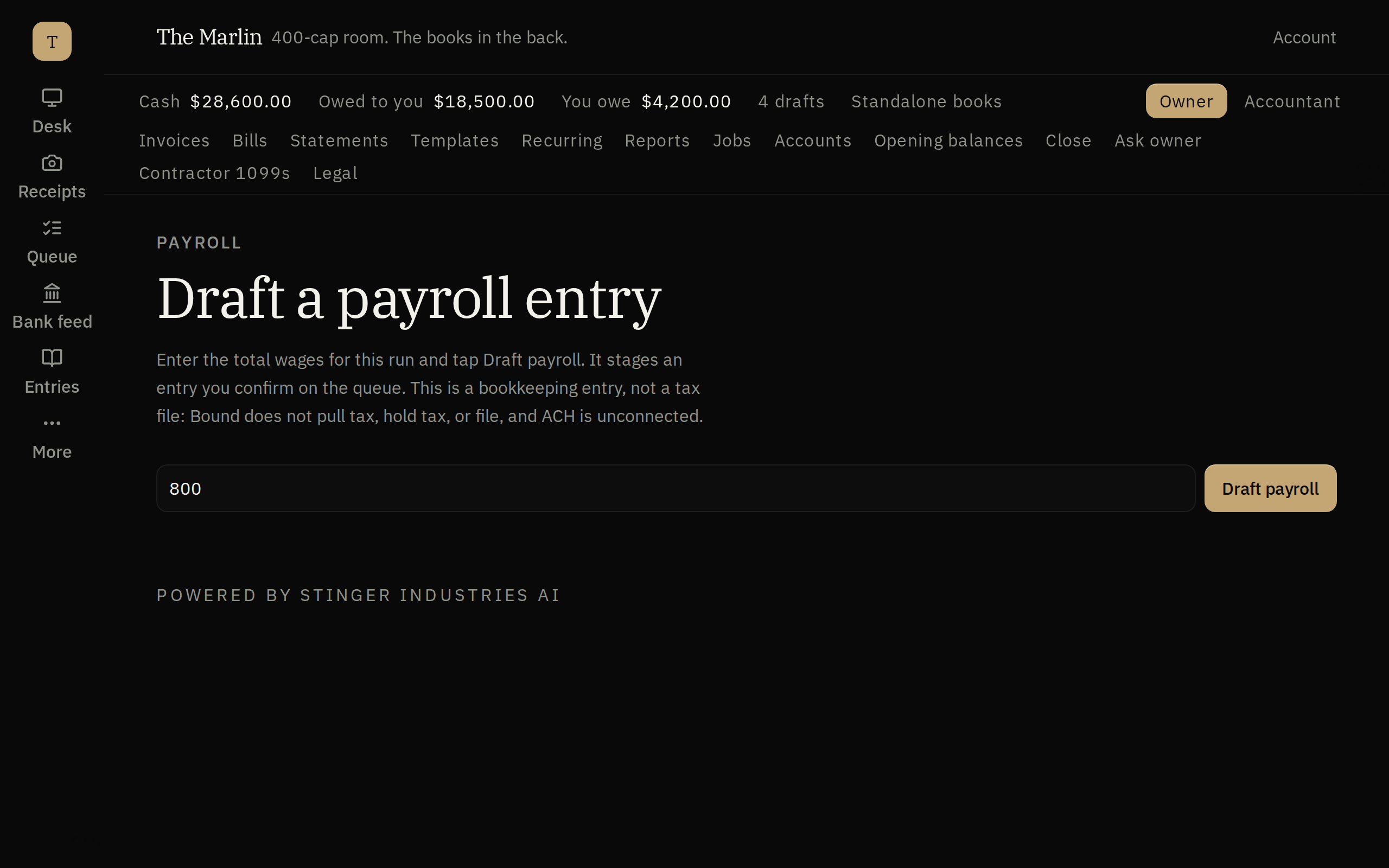
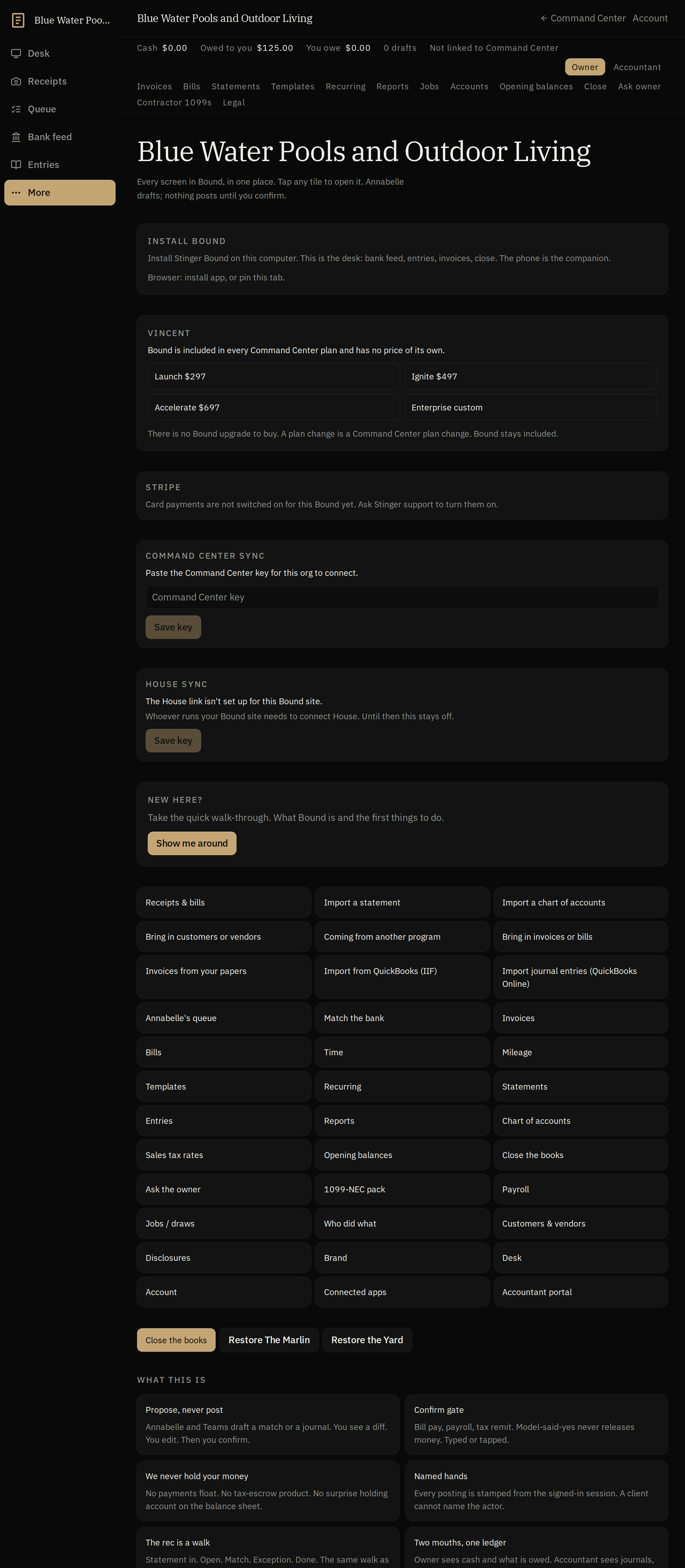
Bank feeds and emailed statements switch on when you add your keys. Until then everything here runs from imports and your own mail client, and no entry posts without a human confirm.
The problem
A venue's books, a trade's books, and a shop's books aren't the same book. Until Bound.
One set of books. Three kinds of business.
A venue thinks in rooms, tabs, and distributors. A trade thinks in draws, retainage, and jobs. A shop thinks in booths, chairs, and retail. Bound asks which business you're running once, at setup, then speaks that language everywhere else. Underneath, it's one set of books.
Annabelle drafts, you post
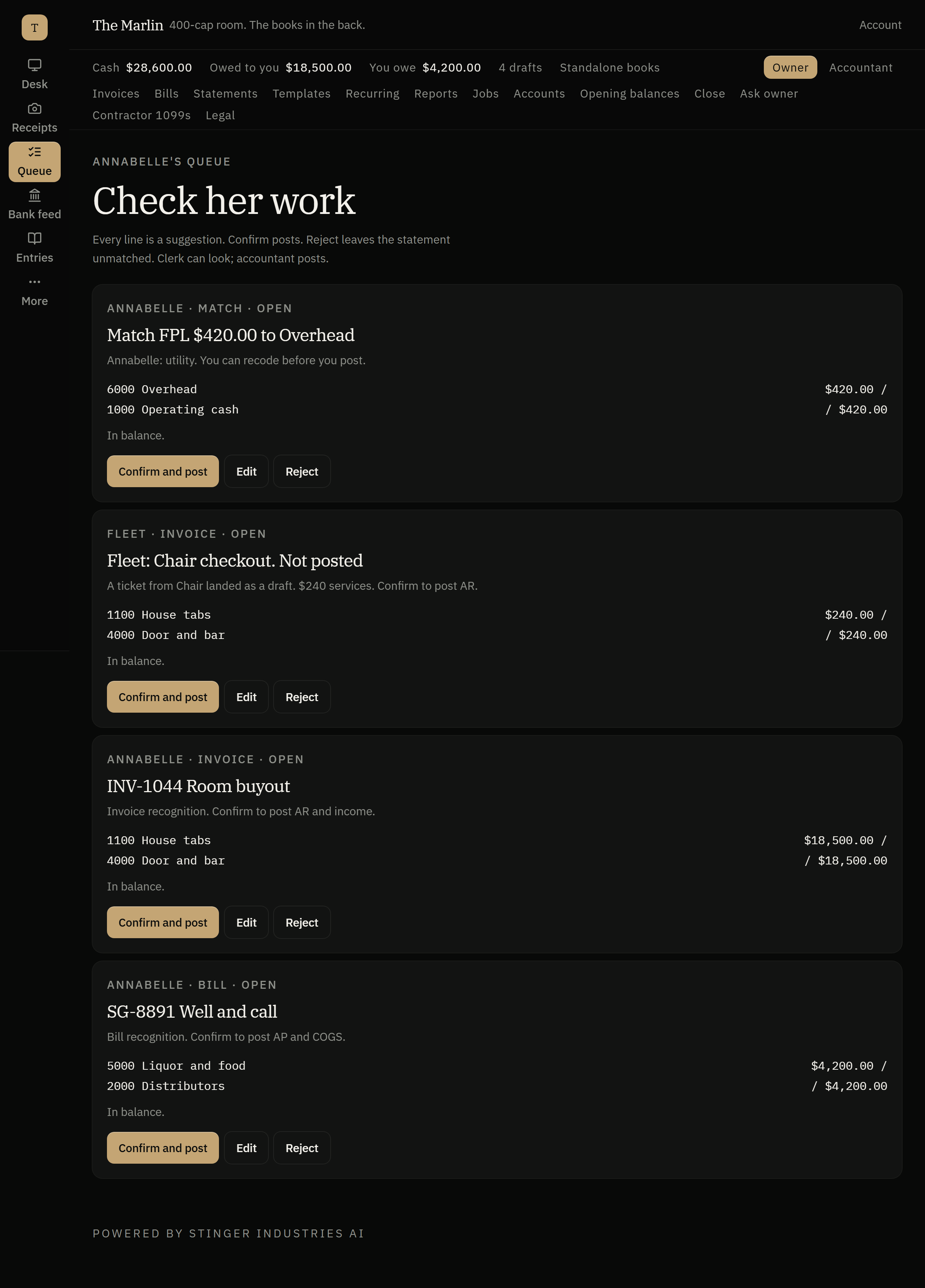
She reads the job, the invoice, the receipt, and writes the entry. It sits as a proposal until a human approves it. Nothing posts to the books on her authority alone.
Several businesses, one login
Run The Marlin and The Yard (two example businesses) out of the same account. Each keeps its own books, its own name on the door. Bound doesn't blend them.
What Annabelle actually does
What does AI bookkeeping software actually draft for you?
Entry drafting from receipts and invoices
Every entry drafted straight from the receipt, invoice or job, ready to review, not a template with blanks, an actual draft built from the source document.
Month-end & close checklists
Reads the month, categorizes the expenses, runs the close checklist. The tedious first pass is done before you sit down.
Live finance snapshots
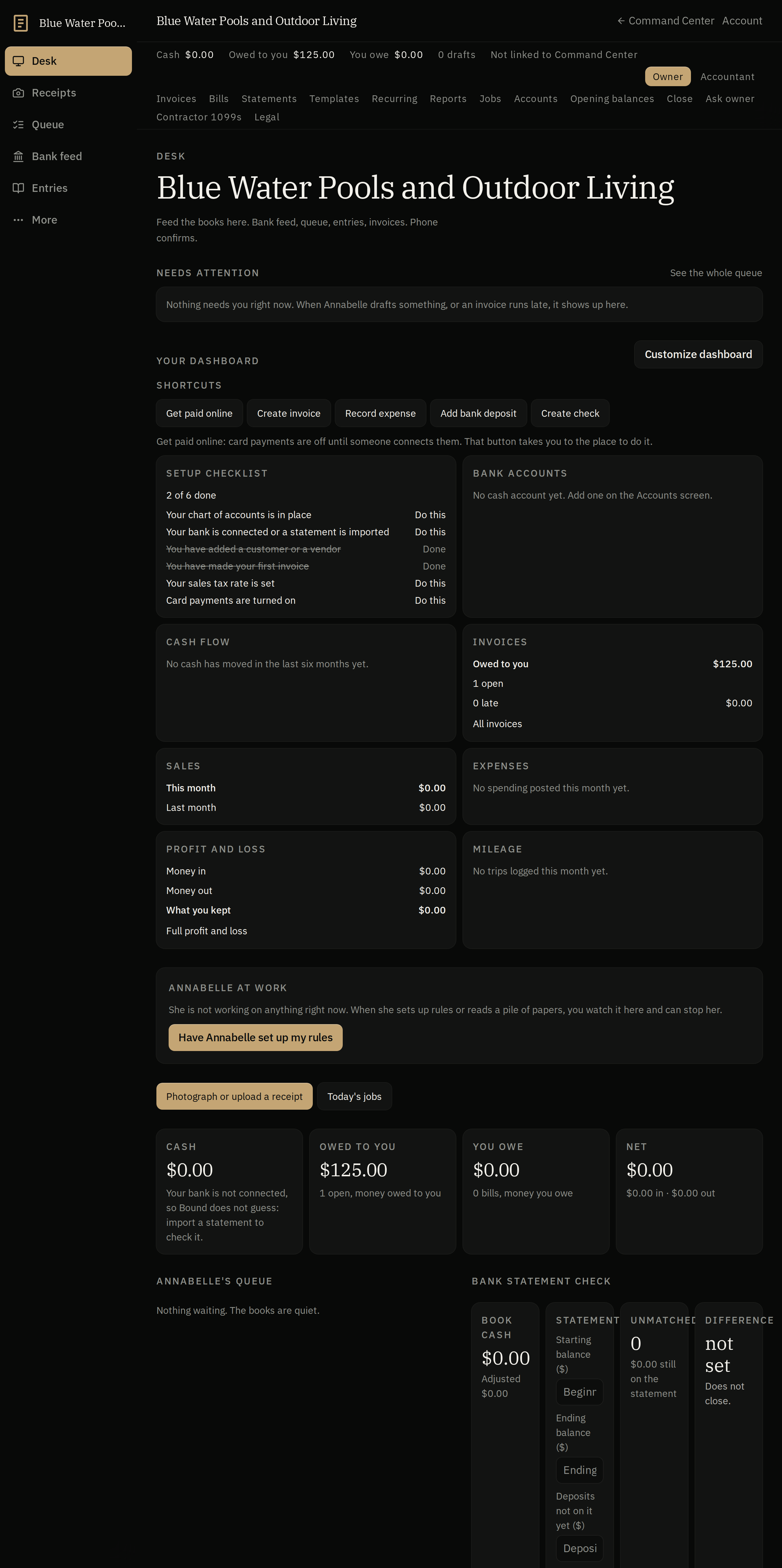
Revenue, expenses, cash, AR and AP on a running snapshot, not a report you have to remember to pull.
Invoicing & expense tracking
Invoice creation, expense tracking, P&L and balance sheet, its own set of books. QuickBooks Online sync lives in Command Center, not in Bound standalone.
Camera document ingestion
Photograph a receipt, a full bank statement, or a prior accountant's chart of accounts with your phone camera. Annabelle reads it into the review grid instead of you typing it in by hand.
1099 prep
Bound has its own 1099 screen, so contractor payments are tracked toward filing season instead of getting reconstructed from a year of invoices in December.
Invite your accountant in
An accountant-portal screen lets you bring an outside accountant into the books without handing over your whole login.
Mileage & time
Mileage and time both have their own screens in Bound, so job costs and vehicle expense aren't tracked in a separate spreadsheet next to the books.
Recurring invoices & bills
Set an invoice or a bill to repeat and Bound keeps issuing it on schedule instead of you rebuilding it from scratch every month.
Opening balances & contacts import
An opening-balance screen sets the books' starting point, and a parties import brings your customer and vendor list in alongside your chart of accounts and journal history.
The confirm gate
How does Bound keep bookkeeping approvals human?
An approval queue, not a suggestion
Anything that touches money or the books sits behind an approval queue before it's final: a rule enforced on the tools themselves, not a suggestion in a prompt.
A second read before it's irreversible
A quality gate reviews proposals before anything gets sent or posted: a second look before the door closes on an entry.
An audit trail, not a black box
Every approval, every post, every close: logged with who and when. The books stay yours to defend.
How it compares
Bound against QuickBooks Online, Xero, and Wave.
Bound doesn't beat a dedicated accounting platform on every row. The Plaid bank feed and payroll drafting are built; they switch on when you sign up and connect your bank and payroll. Until your bank is connected, you can import statements. What it does that none of the three do: a mandatory draft-then-approve gate on every entry, and multiple full businesses under one account without a second subscription.
| Feature | Bound | A typical cloud bookkeeping tool | Xero | Wave |
|---|---|---|---|---|
| AI drafts entries from job/invoice/receipt; a human must approve before anything posts | Yes | Partial: some tools draft entries for review | Partial: Smart Document Capture drafts a bill for review | no: auto-categorization only, no draft-and-approve step |
| One account runs multiple full businesses, each with its own separate books | Yes | Separate paid subscription per company | no: each org is its own paid plan (multi-org discount being phased out 1 Oct 2026) | Separate paid subscription per business (Pro tier) |
| Invoicing | Yes | Yes | Yes | Yes |
| Expense tracking | Yes | Yes | yes: bank reconciliation/reports from Early; employee expense claims are Established-only | Yes |
| P&L and Balance Sheet reports | yes: reports in the product, not a filed return | Yes | Yes | Yes |
| Automatic bank feed & reconciliation | Plaid bank feed built; switches on when you sign up and connect your bank | Yes | Yes | Pro tier only, not on free Starter |
| Payroll drafting included (not a paid add-on) | Built; switches on when you sign up and connect your payroll | no: separate paid add-on | no: via Gusto add-on | no: separate paid add-on |
| Extra monthly fee for the bookkeeping itself | Included with every Command Center tier, no per-seat charges | $38 to 340/mo (Simple Start/Essentials/Plus/Advanced) | $25 to 90/mo (Early/Growing/Established) | Free to $19/mo |
Competitor figures pulled from each vendor's own pricing/feature pages, 2026-09-03. Bound features drawn from what's live today per this page and the internal capability catalog.
Works with the internet off
Your books keep working if the internet drops.
Bound's ledger and reports all work with no internet connection, the same as Cage.
In House
How Bound runs inside House.
In House, Bound is what got sold: the wedding, the room block, the banquet count. Change the guest count and the kitchen list follows. House opens from Command Center.
Get started
Name the business. Annabelle opens the books.
Tell Bound whether you're running a venue, a trade, or a shop. It sets up the books to match. Add a second business whenever you're ready; the name on the door stays theirs.
Related: pair Bound with Cage to track inventory costs straight into the books, or see how it fits inside the full Stinger platform.
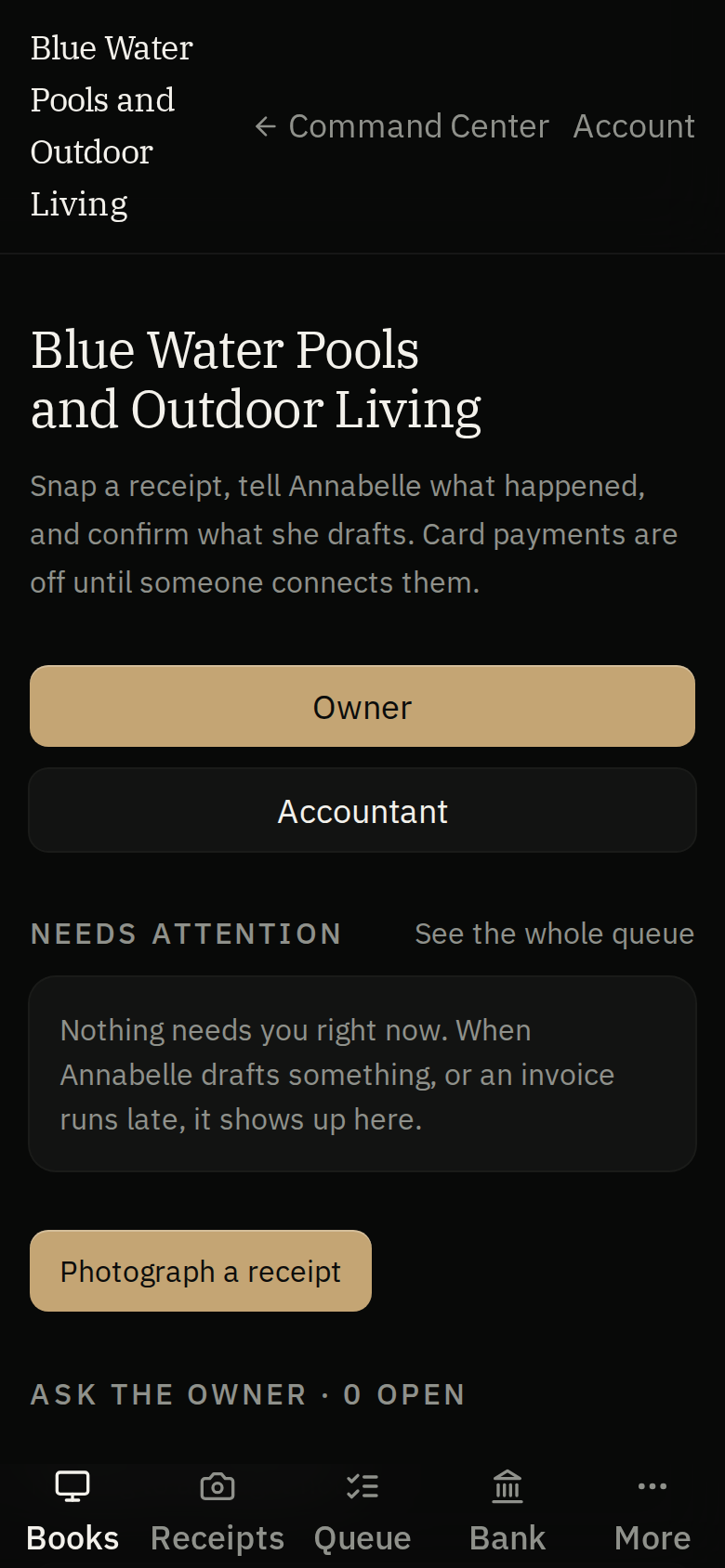
On your phone and tablet
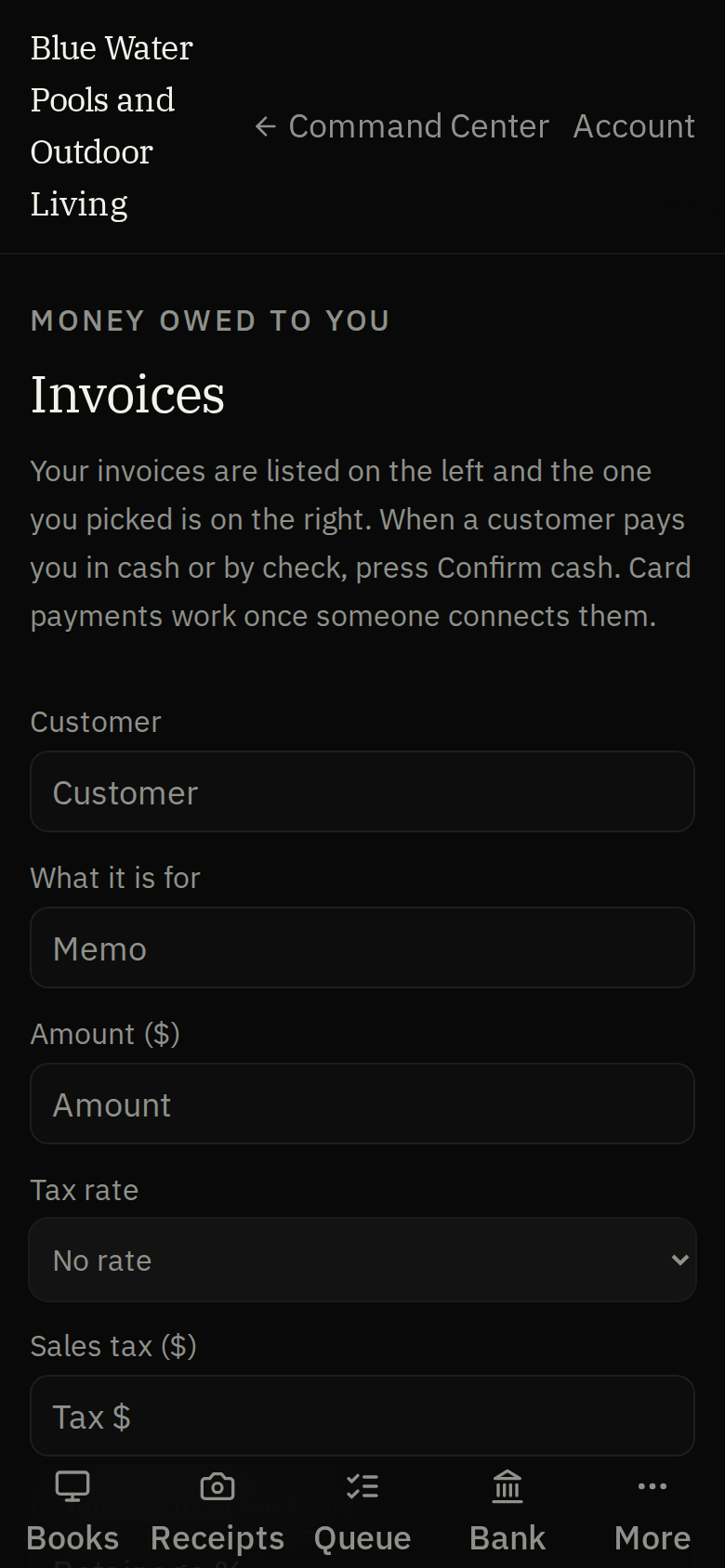
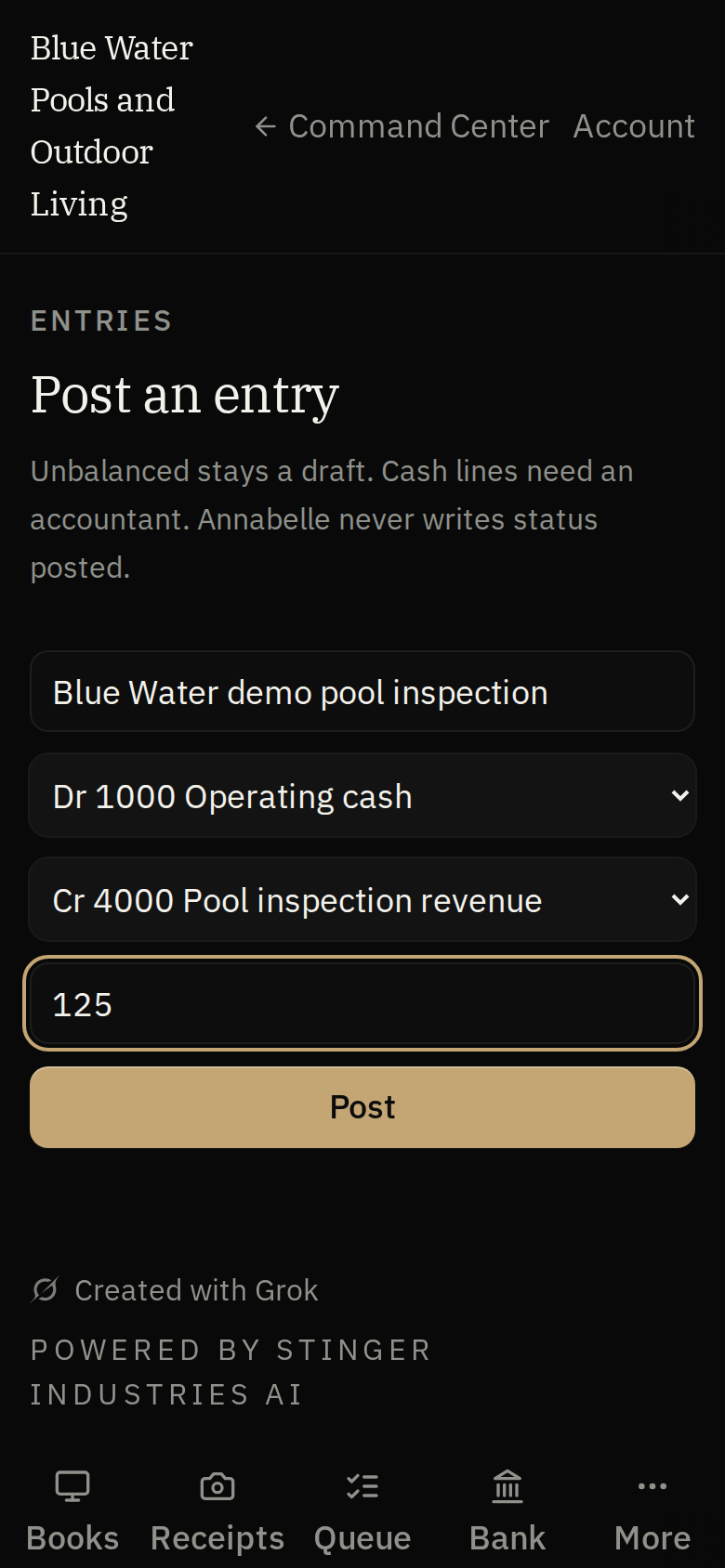
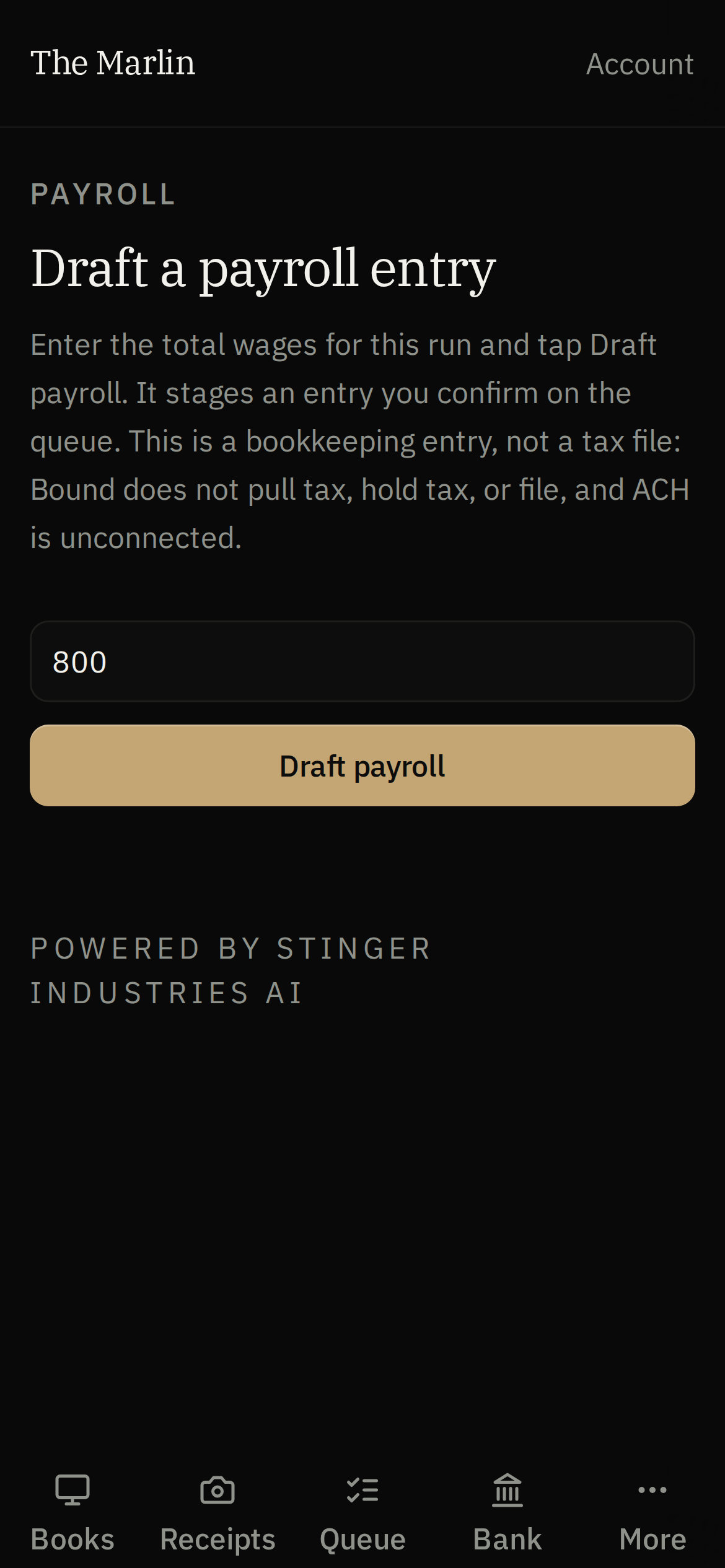
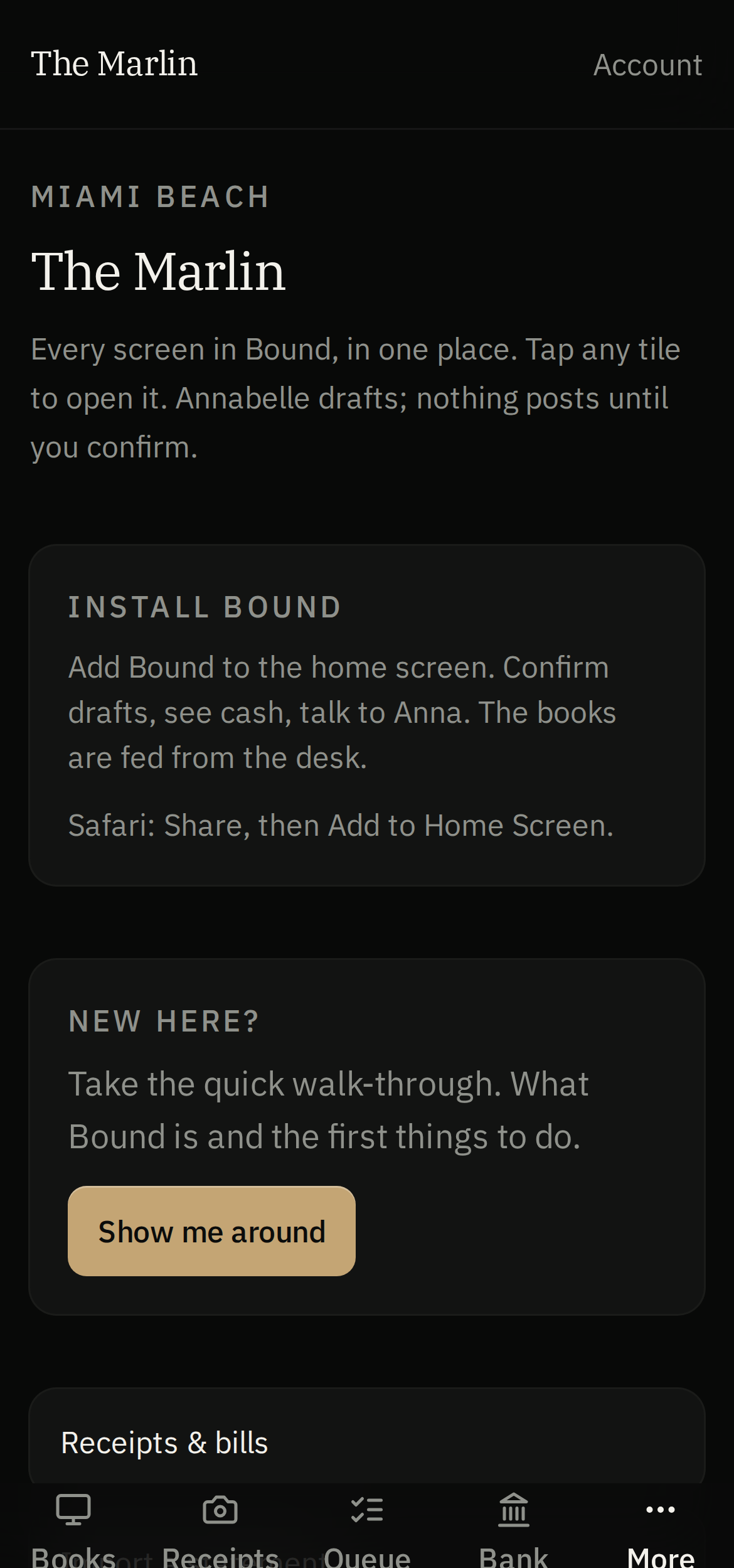
More in the books
Moving your books in.
QuickBooks preview and import
Pull QuickBooks records into a preview before importing, with duplicates and already-settled documents flagged; needs the QuickBooks connection.
QuickBooks IIF and CSV migration
Move over from QuickBooks with an IIF or journal CSV, mapping your columns first.
Merge duplicate customers and vendors
Import customer and vendor lists and merge duplicates.
Command Center and Cage sync
Finance data from Command Center and bills from Cage can flow into Bound once the companies are linked.
Running it day to day
The desk work behind the drafts.
Estimates, credit memos and voids
Turn an estimate into an invoice, issue a credit memo, or void a document, which drafts a reversal for you to approve.
Vendor bills with job references
Enter vendor bills with job references and get a payable entry drafted for your approval.
Bank rules and reconciliation
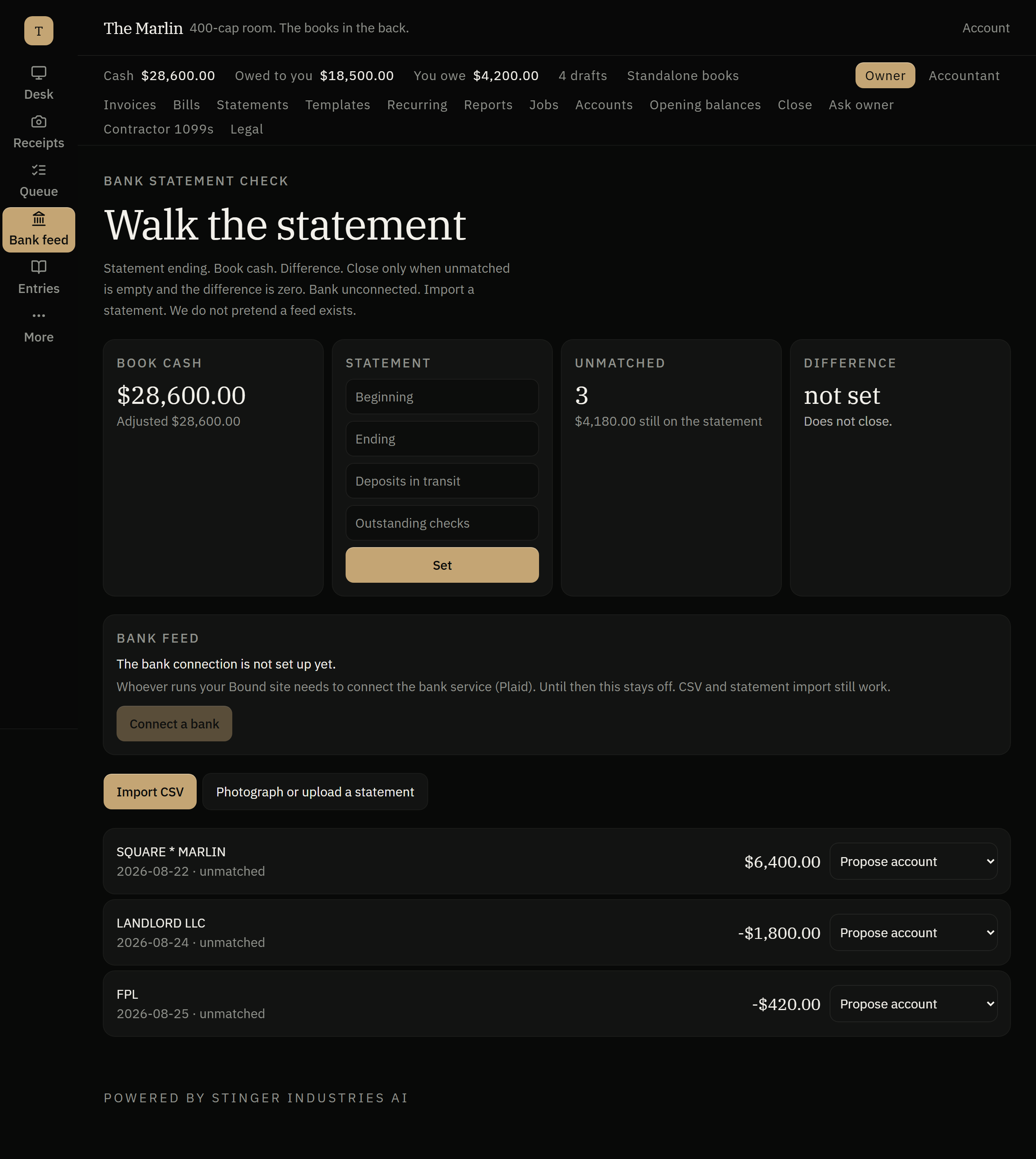
Save payee rules, review proposed matches, and reconcile the statement to the ledger including deposits in transit and outstanding checks.
Lock the books
After the close checklist, an authorized user can lock the books through a date; the lock records who did it and when.
Tax rates and reporting
Keep tax rates, compute tax on invoices, and total sales tax by rate.
Recurring documents
Save templates and schedule recurring invoices or bills, pause them, and run what is due.
Statements and reports
Issue statements and read profit and loss by class and location, with audit and close history.
What needs an account
Built, and honest about what it needs to switch on.
Plaid bank feed
The Plaid bank feed is built and switches on when you sign up and connect your bank; until then you import statements.
Payroll drafts
Payroll drafting is built and switches on when you sign up and connect your payroll. Bound drafts payroll entries and works out 941, 940 and W-2 figures from rates you can edit; it does not file or pay, and the rates are not verified for your state.
Stripe checkout
Card collection runs through Stripe once connected and counts as paid only after Stripe confirms.
Mileage trip helper
A trip helper can calculate distance for a mileage entry; location permission and live GPS use are not yet confirmed.
Export and correspondence
Export the books as bundles and PDFs; correspondence is queued or recorded, and sending needs mail set up.
On your machine
Get it on your desk
One click from the browser
Install it as an app
Install it straight from the browser in one click. It gets its own icon on your desktop and taskbar, and opens in its own window.
- Chrome / Edge the Install icon in the address bar, or menu > Install (Apps > Install this site as an app).
- Safari (Mac) File > Add to Dock.
- Safari (iOS) Share > Add to Home Screen.
Android
Google Play
On Google Play, in review.
iOS
TestFlight
Via TestFlight, pending.
No app to install to see it, ask Vincent for the demo.